
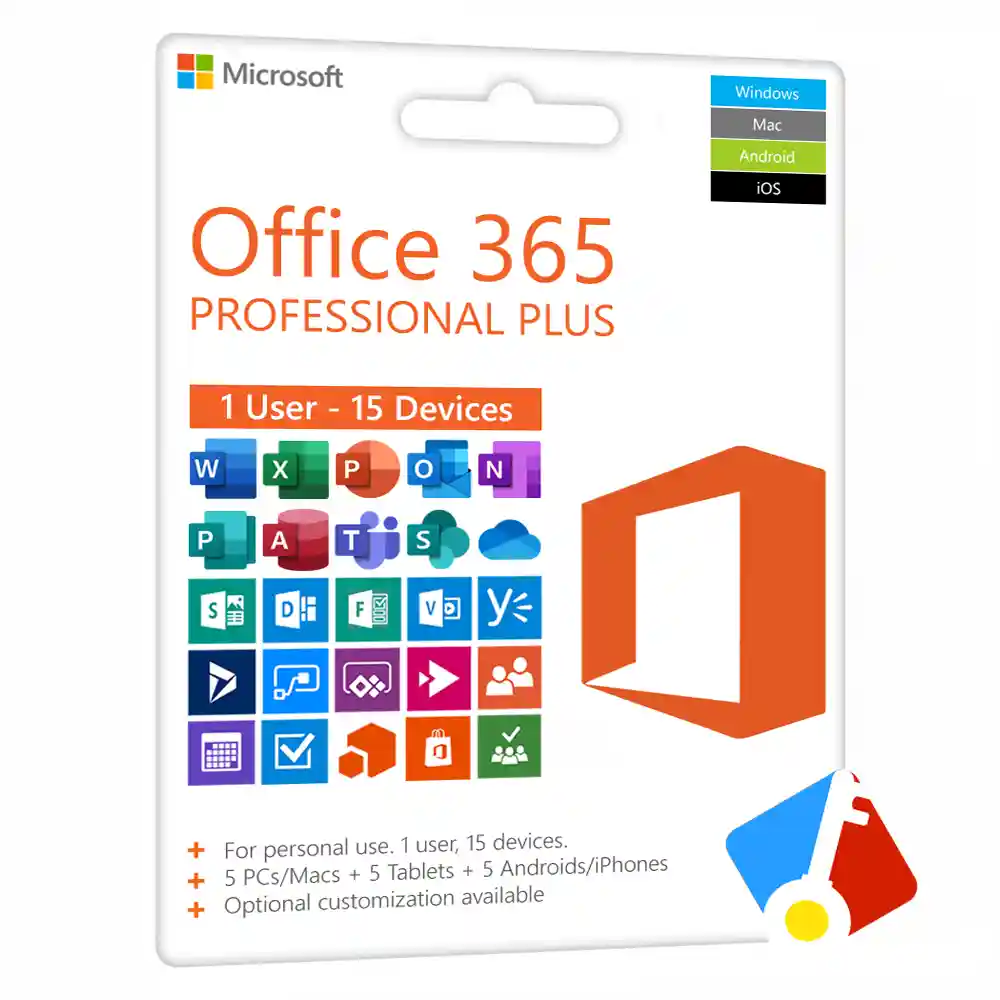
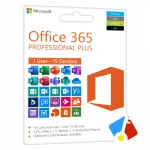

Office 365 3-Year Subscription
₱1,880.00
✔ One-Time Payment for 3 Years
✔ For 1 User, 1 Concurrent Device Session at a Time
✔ Activates on 15 Devices (5 PCs/Macs, 5 Tablets, 5 Phones)
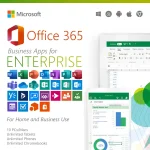
✔ Includes All Premium Office Apps
✔ Word, Excel, PowerPoint, OneNote, Publisher, Access, Teams & More
✔ Works Offline & Receives Regular Updates
✔ Instant Account Delivery & Support
In stock





Receive your genuine license, official download, and setup guide by email within 30 minutes of payment, with 24/7 live chat support.
Microsoft 365 3-Year Subscription
Ditch the Monthly Fees.
Tired of Paying for Microsoft 365 Every Month?
Secure a genuine Microsoft 365 license, formerly known as Office 365, from Product Key PH with a single, one-time payment. This product provides you with a personal account and a pre-paid 3-year subscription to the full suite of Office apps, offering the most cost-effective way for power users and families in the Philippines to get the tools they need.
What You Receive
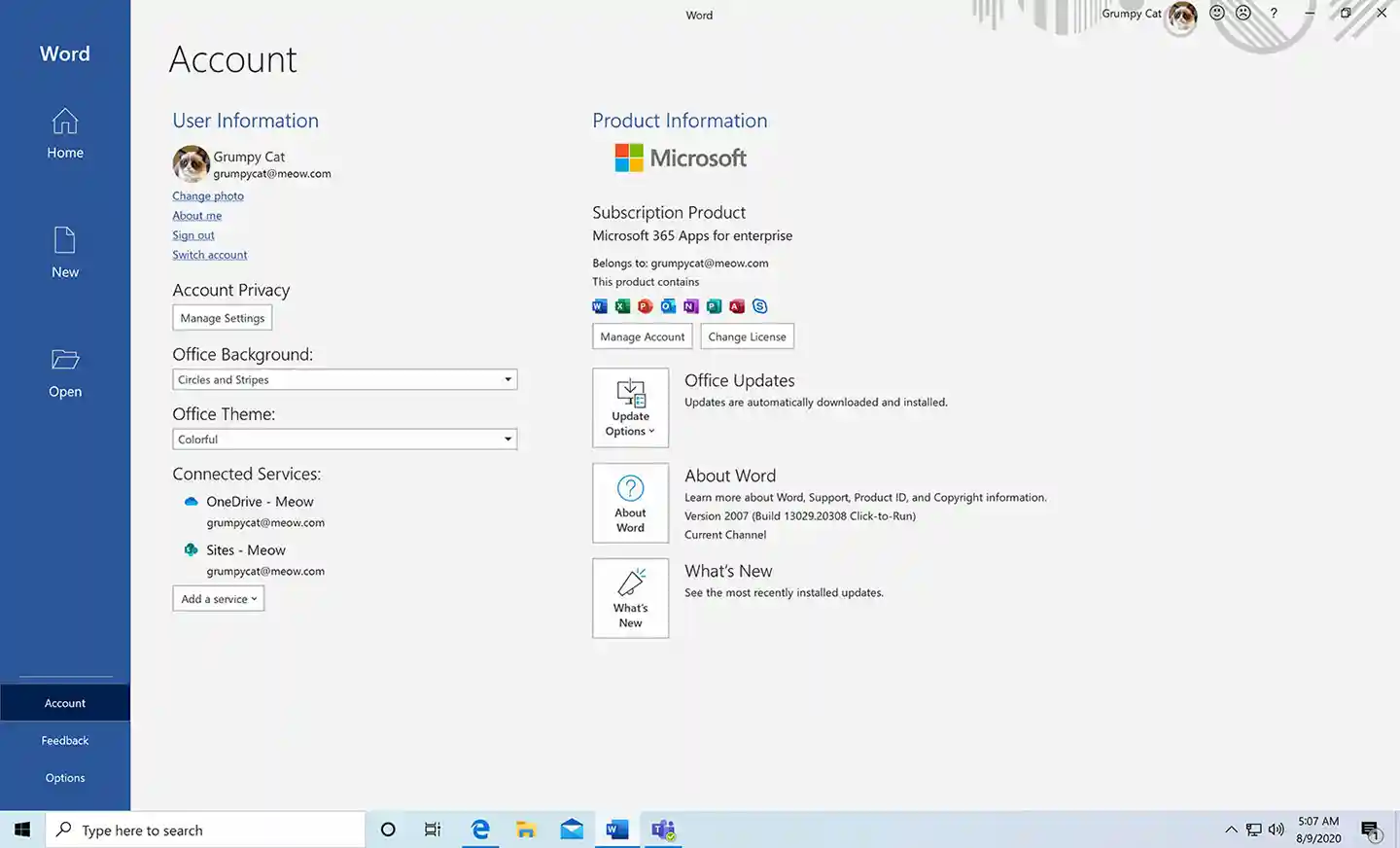
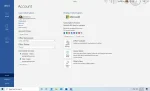
Upon purchase, you will receive a new, personal account with a username and a temporary password. During your first login at office.com, you will be required to change the password to something only you know. This account contains your 3-year subscription and is your key to downloading and managing your Office apps.
Key Features & Benefits
This account unlocks the complete, premium Microsoft 365 experience for 3 years.
| Feature | Your Benefit |
|---|---|
| Massive 15-Device Activation | Activate Office on 5 PCs or Macs, 5 phones, & 5 tablets, allowing 1 concurrent device session at a time. |
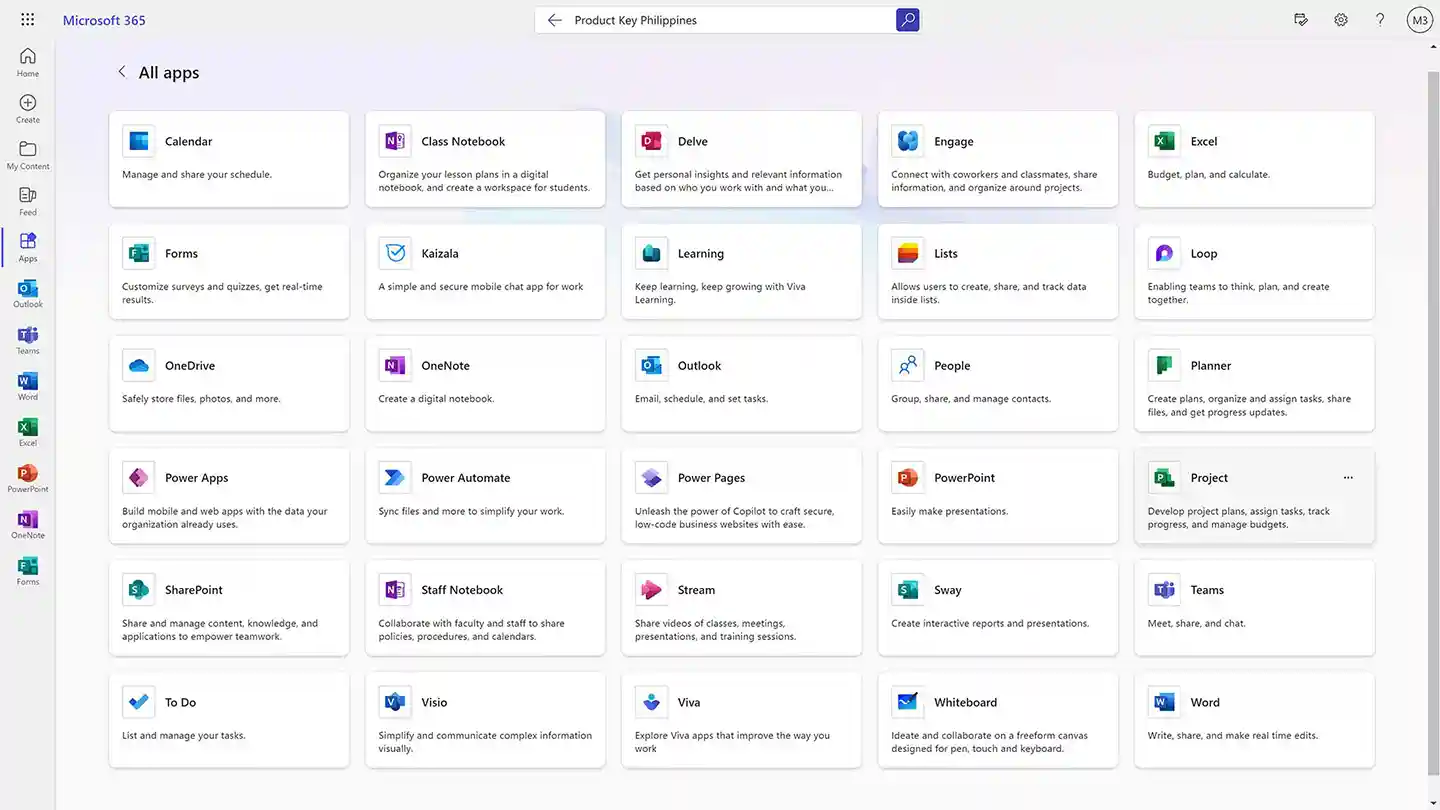
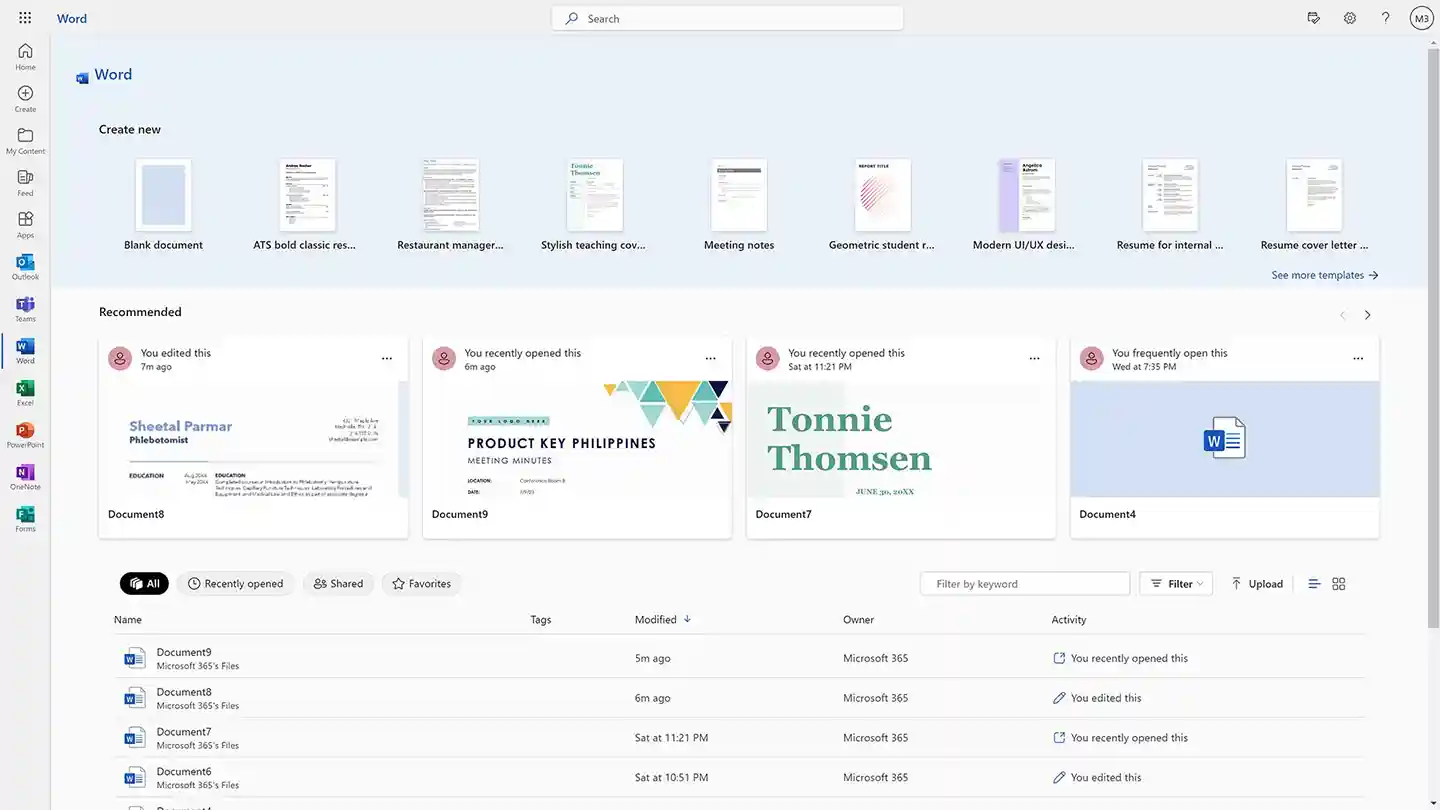
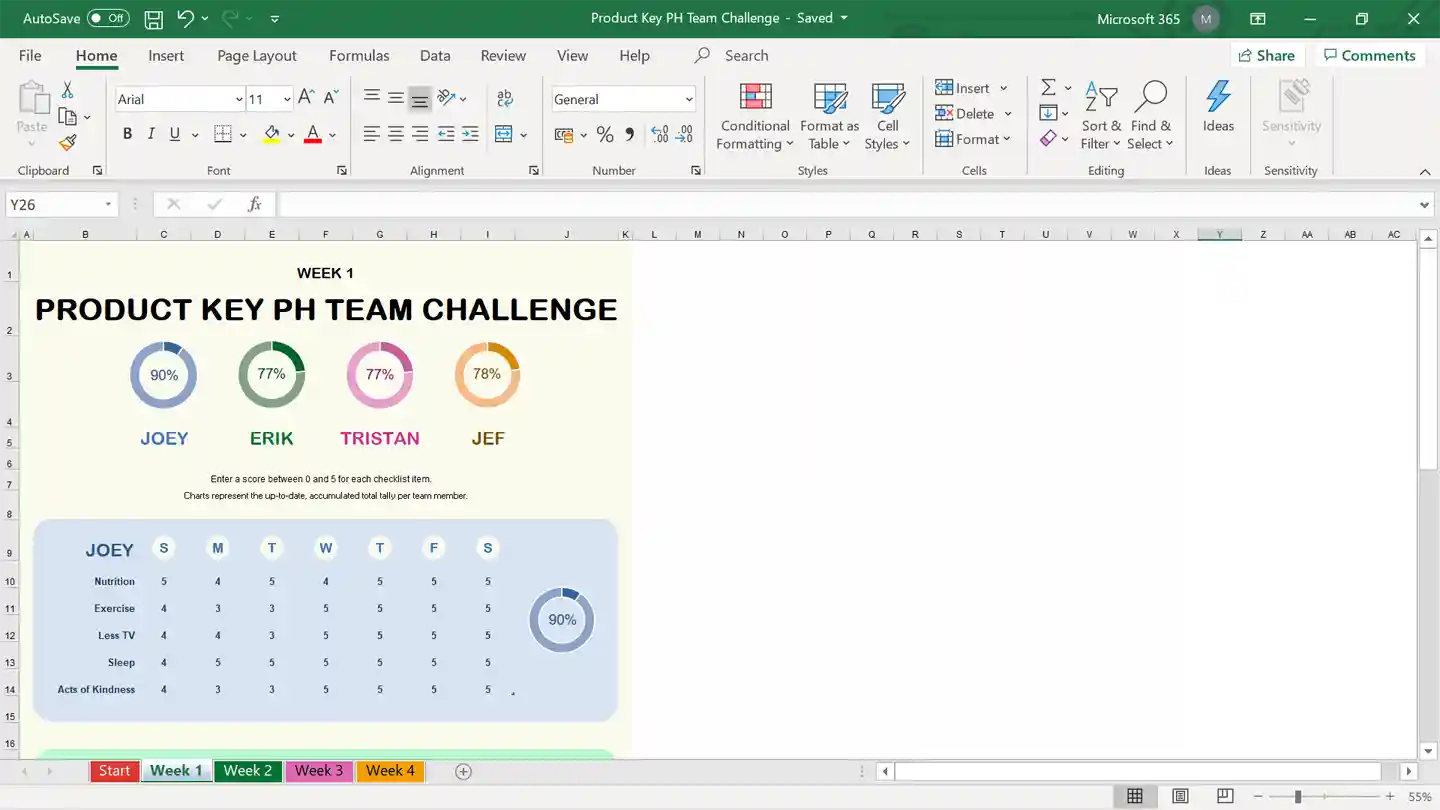
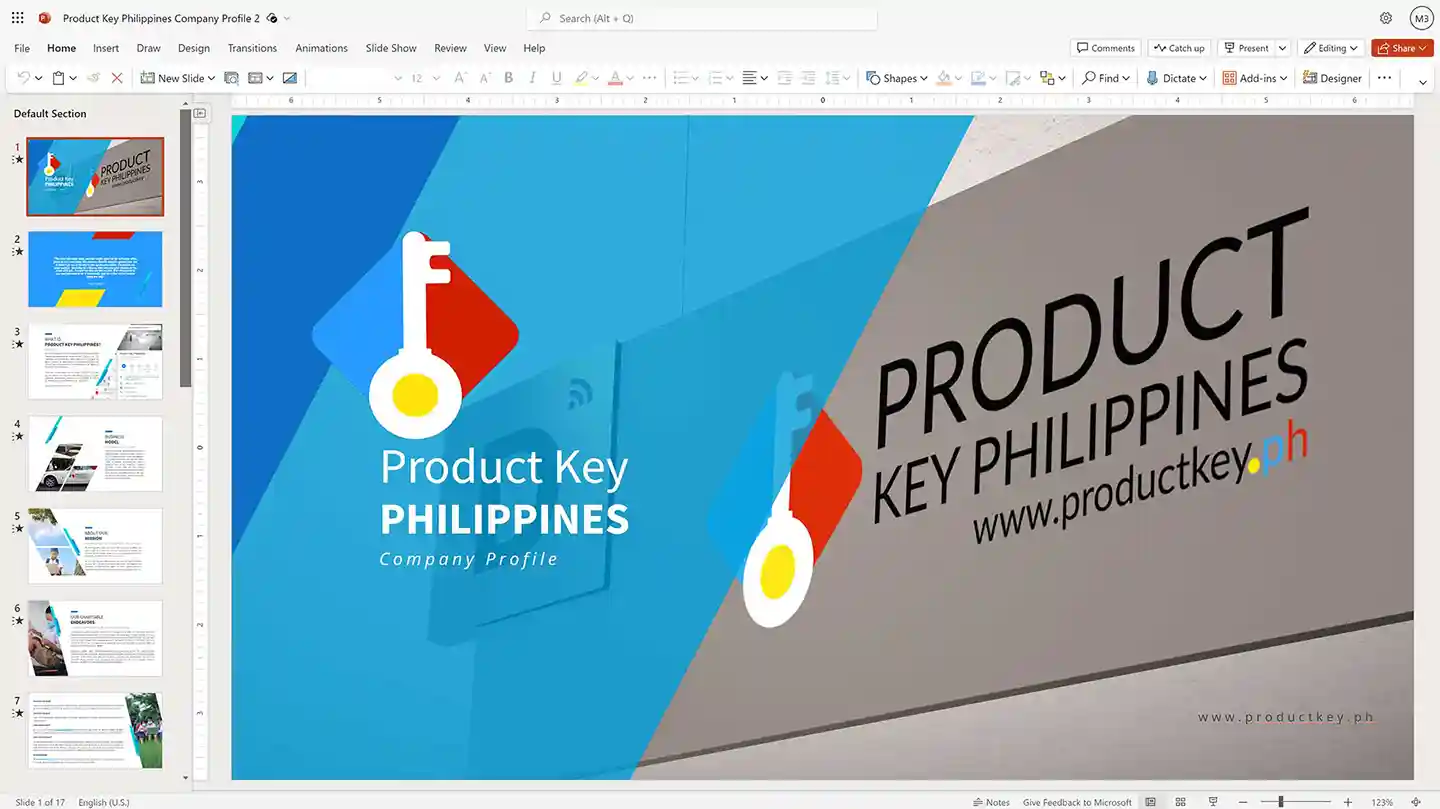
| Full Suite of Premium Apps | Get the latest, always-updated versions of Word, Excel, PowerPoint, Outlook, Teams, OneNote, Access, Publisher, and more. |
| Works Offline & Online | Enjoy the full power of the desktop applications offline, with the flexibility to save and access your work from the cloud. |
| Continuous Updates & Upgrades | For the full 3-year term, your applications will always be up-to-date with the latest features, improvements, and security patches. |
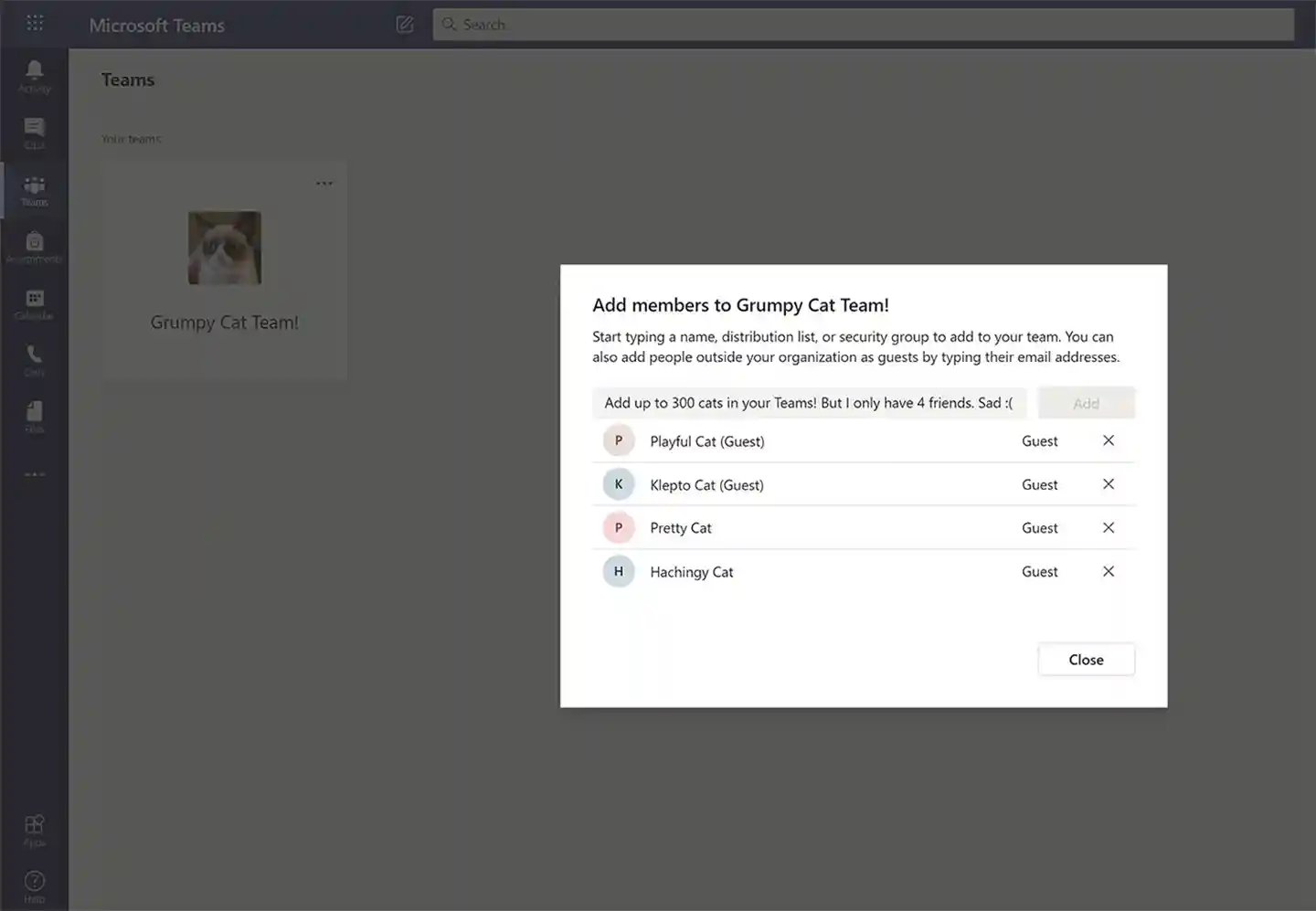
| Enterprise-Grade Microsoft Teams | Host professional meetings with up to 300 participants and invite guests even if they don’t have a Microsoft 365 account. |
Who is This For?
This single-payment, multi-year option is perfect for users who want to lock in a low price for the full Office suite:
- Power Users and Freelancers who want to lock in a low price for several years.
- Students who need the full, premium suite for their entire course duration.
- The Multi-Platform User who owns and works across a Windows PC, a Mac, a tablet, and a phone.
- Home-based Creators and Hobbyists who need premium apps for their personal projects.
- Anyone who wants to avoid recurring subscription fees and secure 3 years of Office for one low price.
Microsoft 365 Personal vs. Business Comparison
Wondering which version is right for you? Here is a quick comparison of the key differences.
| FEATURE | Microsoft 365 Personal | Microsoft 365 Business (E3) |
| Specific License Tier | Personal License | E3 License (Enterprise 3) |
| Primary Target Audience | Power Users, Freelancers, and Students | Small Businesses, Startups, and Agencies |
| Commercial Use Compliant | No (Intended for personal/home use) | Yes (Fully licensed for commercial use) |
| Simultaneous App Sessions | 1 Concurrent Session at a time | Up to 10 Concurrent Sessions at a time |
| Computer Activations | Up to 5 PCs or Macs | Up to 10 PCs or Macs |
| Mobile & Tablet Activations | 5 Phones and 5 Tablets | Unlimited number of mobile devices |
| Account Sharing Policy | Strictly for 1 Person (Sharing violates terms) | Designed to be shared within one organization |
| 3rd Party Add-ins | Disabled (Restricted for security) | Enabled (Full access to external plugins) |
| Microsoft Teams | Free Personal | Upgraded Enterprise |
| License Management | Basic Self-Management | Centralized Dashboard (View, Deactivate, Re-allocate) |
Important
This is a special type of account. Please read these points carefully:
- Password Recovery: You must write down your new password and keep it safe. If you forget your password, it cannot be recovered.
- 3-Year Warranty: While these accounts last an average of five to eight years, we fully guarantee your access for a minimum of 3 years. If your service stops before then, we will gladly provide a free replacement. Please treat this account strictly as a licensing tool to activate your Office software and avoid using it for personal file storage to prevent any potential data loss.
- OneDrive Usage: As mentioned above, because this account functions as a dedicated licensing tool, you could lose access to any documents saved on this account’s cloud drive. To ensure your files remain secure permanently, always save your work locally to your computer or link your own personal OneDrive account to your Office apps.
- Account Sharing: This account is meant for one person with multiple devices, not for multiple people or business.
- Third-Party Add-ins: To maintain enterprise-level security protocols, these pre-provisioned accounts are configured to restrict the downloading and installation of third-party Office Store Add-ins. All core Office applications and built-in features function perfectly, but external plugins cannot be added.
- Administrative Assistance: Your account is administratively set up in away that you have all the power to manage it on your own. You can add or remove licenses, change your password, manage your settings and privacy, monitor sign-ins and more. We will not manage your account for you. We will decline all requests that relates to account recovery. Your account is solely your responsibility.
Save Over 90% vs. a Standard Subscription
A standard Microsoft 365 subscription costs ₱17,604 over 3 years. Here at Product Key Philippines, this 3-year access account is available for a one-time payment of just ₱1,880. You save over 90%!
3-Year Service Guarantee
This product is guaranteed to provide access to the Microsoft 365 service for a minimum of 3 years. In the rare event it stops working before the 3-year guaranteed period is over, we will provide a full replacement.
Simple & Secure Activation Process
- Instant Delivery: Immediately after your purchase, you will receive an email from us with your new account username and a temporary password.
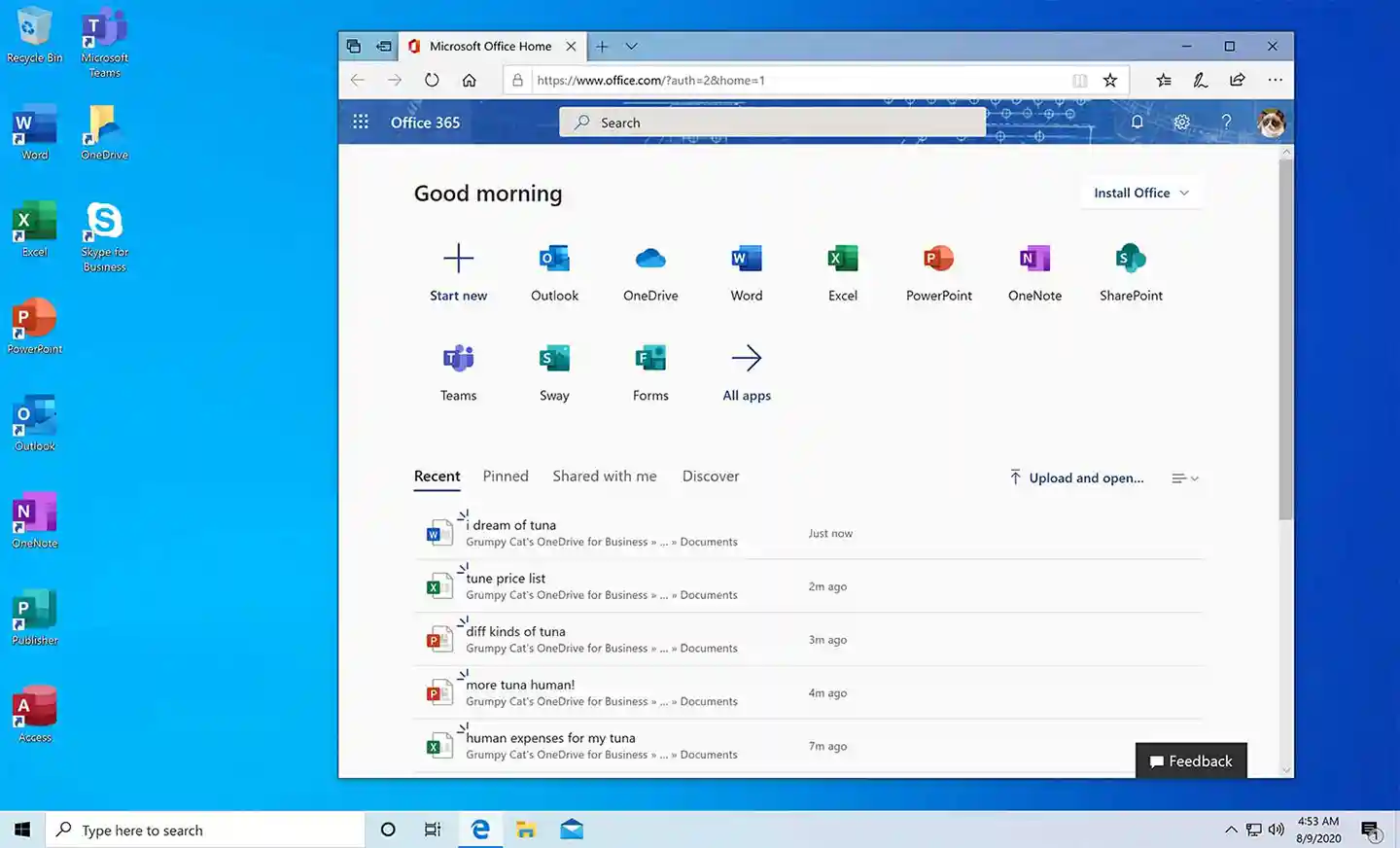
- Activate Your Account: Go to the official office.com website, sign in, and immediately change your password to something only you know.
- Download & Install: From your account dashboard, you can download and install the Office apps on up to 15 of your devices.
For more detailed instructions with screenshots, please click here for the full Microsoft 365 installation guide.
Product Specifications
- Account Type: 3-Year Access Account
- Payment Model: One-Time Payment
- Service Duration: Guaranteed 3 Years
- Usage Scope: For 1 Person (Single User)
- Device Activations: 15 Total (5 PCs/Macs, 5 Tablets, 5 Phones)
- Concurrent Use: 1 Simultaneous Device Session at a Time
System Requirements
- OS: Windows 10 or later; the three most recent versions of macOS.
- Processor: 1 GHz or faster
- RAM: 2 GB
- Storage: 3 GB of available disk space
- Mobile: Android or iOS based phones and tablets.
Frequently Asked Questions (FAQ)
- Is this a one-time payment for a 3-year subscription? Yes. You pay us only once. This single payment covers your full 3-year subscription to the Microsoft 365 service and apps. There are no other fees.
- Is this a license key or an account? This product is delivered as a new, personal account (username/password) which contains your 3-year subscription. It is not a 25-character license key.
- How many people can use this account at the same time? This license is strictly for one person and allows for one concurrent device session at a time. It is designed to give a single user access to Office across all their personal devices (laptops, tablets, phones, etc.). Sharing the account is a security risk and violates the terms of use.
- What happens after the 3 years are over? After the guaranteed 3-year term, the account may continue to work, but it is not guaranteed. At that time, you may need to purchase a new account to continue the service.
- What happens if I forget my password? It is critical that you save your password in a safe place. Due to the nature of these accounts, a forgotten password cannot be recovered.
- Why is this so much cheaper than a standard subscription? Think of it like group buying discount. A single subscription directly from Microsoft is expensive because it’s sold one-by-one. We work within enterprise partner frameworks to acquire genuine access in bulk, and we pass those huge savings on to you. You receive a brand new, personal account with a guaranteed 3-year service, giving you the full, authentic Microsoft 365 experience without the high retail price.
Product Key Philippines only sells software licenses of European origin legally usable on all countries and territories without region restrictions. We are protected by law to sell this product and your purchase is protected and recognized by law under Article 4(2) of EU Directive 2009/24/EC and section 177.3 of the Intellectual Property Code Of The Philippines. We are a fully registered business entity accredited by the Department of Trade and Industry (DTI), Bureau of Internal Revenue (BIR), and the Local Government of Quezon City.
400 reviews for Office 365 3-Year Subscription
You must be logged in to post a review.

Email Delivery
You will receive your genuine license, official download link and official installation instructions via email within 5 to 30 minutes 24/7 after sending us the proof of payment.
If a USB installer was added with your completed purchase, it will be shipped the next day. It will arrive within 2-3 days for Metro Manila addresses and 3-5 days for addresses outside Metro Manila.









Jean Abogado (verified owner) –
Good experience overall. Mabilis ang order processing after payment.
Joyce Alonzo (verified owner) –
Sobrang bilis ng processing! After payment, ilang minutes lang nasa email ko na ang license. Very smooth transaction, no unnecessary waiting, and excellent customer support. Will definitely consider purchasing again!
Mercy Casas (verified owner) –
Mabilis at convenient ang transaction. Okay din ang after-sales assistance.
Liam Mendoza (verified owner) –
Fast, affordable, and reliable! I received my order just a few minutes after completing the transaction. Their customer service is also responsive, especially when you need help with installation or activation.
Nathaniel Co (verified owner) –
One of the best experiences I’ve had when purchasing software online. The transaction was smooth, and everything was processed quickly. I didn’t have to wait long because my order arrived via email within minutes. Definitely worth the money!
Nathan Flores (verified owner) –
Very happy with the service! The price is affordable, the order was processed quickly, and the support team was very helpful. It’s good to know that customers can still reach them anytime through live support.
Jerome Valdez (verified owner) –
I was initially hesitant to purchase software licenses online, but this store exceeded my expectations. Fast processing, genuine products, and very responsive customer support. Much more reliable compared to other online sellers I’ve encountered.
Emily Salas (verified owner) –
Very smooth transaction from start to finish. Highly recommended!
Kevin Villamor (verified owner) –
Transaction was very immediate did not even take 10 minutes very happy and satisfied as always with their service this is my 3rd time buying.
Crystal Perez (verified owner) –
Excellent support! Responsive, professional, at mabilis tumulong kapag may concern.
Mike Pulido (verified owner) –
Mabilis ang processing ng order. Within a short time, received na agad ang license.
Vincent Loyola (verified owner) –
Very good experience! Their prices are surprisingly affordable compared to other stores. I also like that they provide 24/7 live support, so customers can easily ask for help whenever needed.
Rochelle Mercado (verified owner) –
Very helpful customer service. Guided ako nang maayos hanggang matapos ang process.
. (verified owner) –
Legit products, affordable prices, and fast processing! I received my order through email in approximately 3–5 minutes. Their customer support also deserves recognition for being responsive and helpful.
Marco Villanueva (verified owner) –
Great experience! The price is much cheaper compared to other sellers, but the service is even better. Order processing took only around 3–5 minutes, and everything was delivered directly to my email.
Jasmine Morales (verified owner) –
Great experience overall. Fast service and very helpful staff.
Marilou Donato (verified owner) –
Easy to install,the instructions are very easy to understand great value for money better than going to a store in a mall very reliable and legit highly recommended shop!
Mabel Gomez (verified owner) –
Just placed order last night and had a chat with chat support I got the key asap you can trust them! Will order again!
Jenelyn Robles (verified owner) –
This shop is legit my respond to inquiries and concerns after a minute very accommodating and a good Samaritan too!
Alyanna Mercado (verified owner) –
Highly recommended for anyone looking for affordable and legitimate Microsoft licenses. The ordering process is very convenient, and I received my order within 3–5 minutes through email. Their after-sales support is also excellent!