
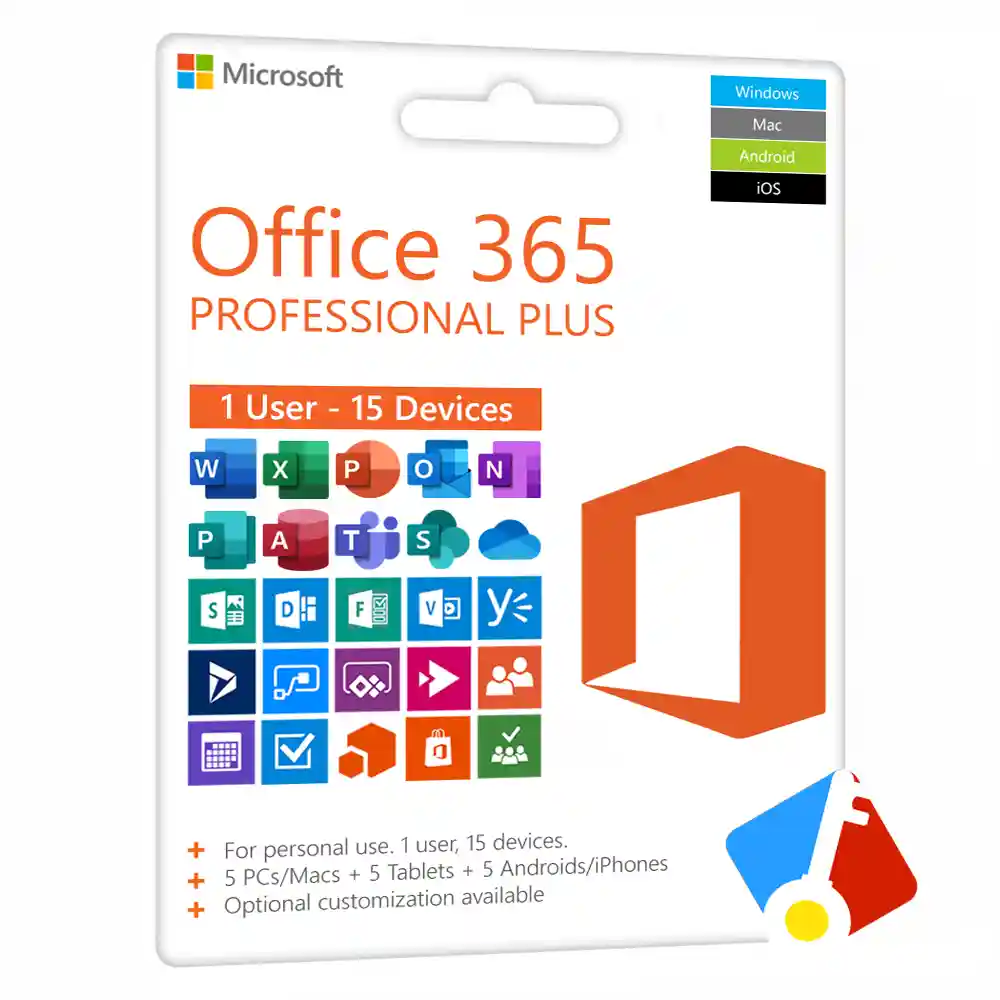
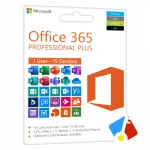

Office 365 3-Year Subscription
₱1,880.00
✔ Pay Once for 3 Years
✔ 1 User • 1 Device at a Time
✔ Install on 5 PCs or Macs
✔ Plus 5 Phones and 5 Tablets
✔ Office Apps + Teams
✔ Offline Use • Regular Updates
✔ Instant Email Delivery
✔ 24/7 Support
In stock





Receive your genuine license, official download, and setup guide by email within 30 minutes of payment, with 24/7 live chat support.
Office 365 Subscription for Personal Use
3-Year Subscription • 1 User
What’s Included with a Microsoft 365 Subscription?
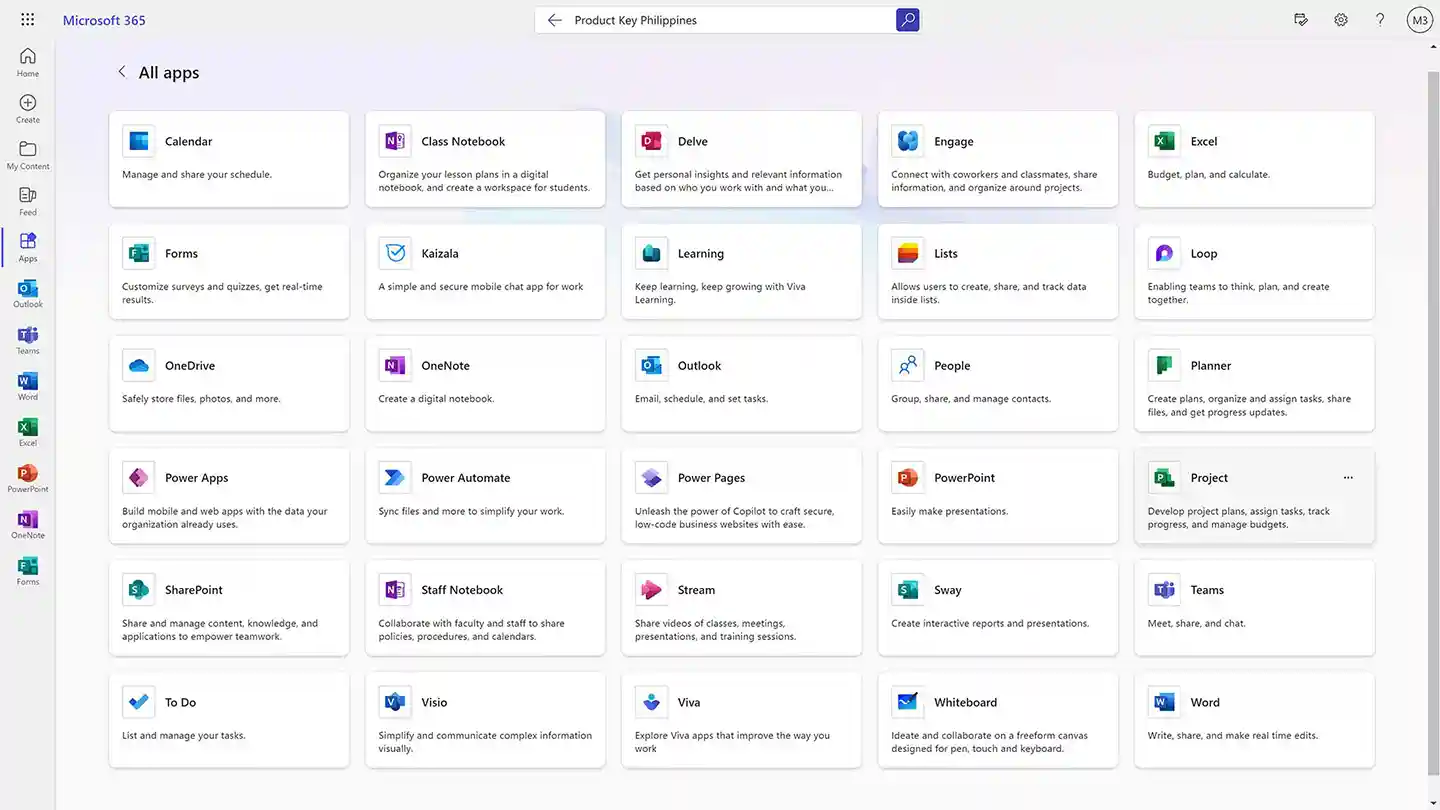
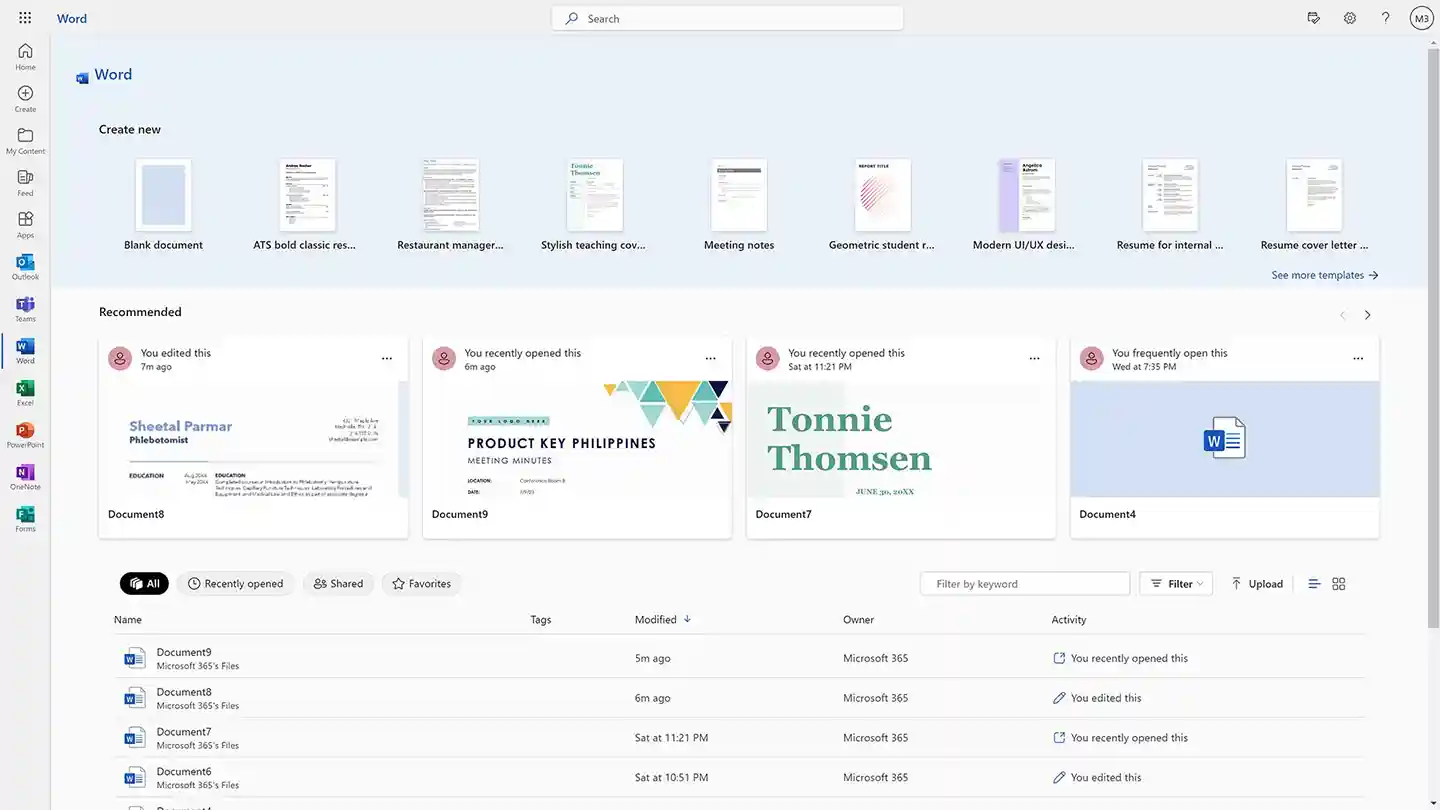
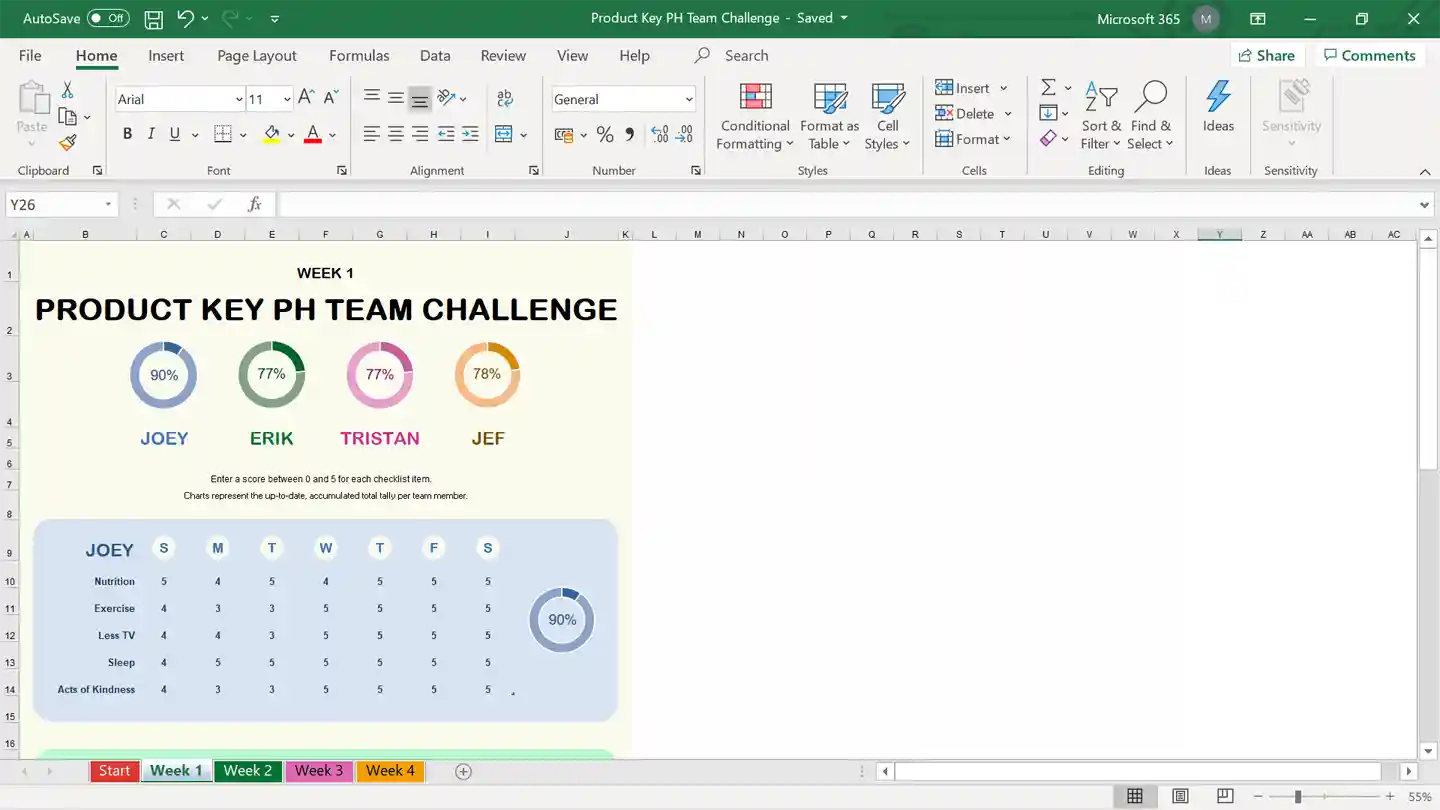
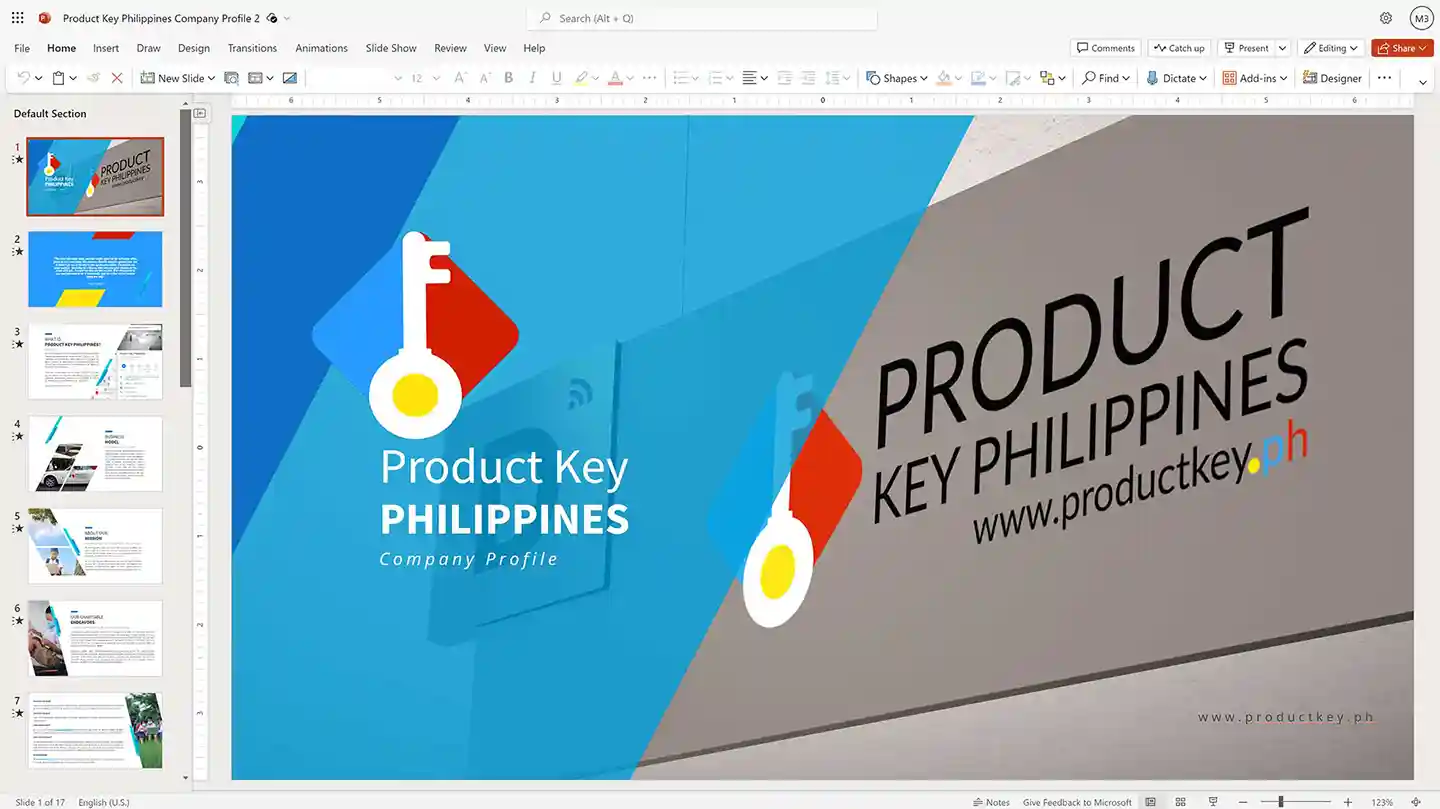
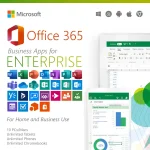
One payment gives one person three years of access to the complete, installable Office suite. Your subscription includes Word, Excel, PowerPoint, Outlook, OneNote, Teams and Access. After activating Office on your PC or Mac, you can create, edit and save files offline. Install Office on up to 5 PCs or Macs, 5 phones and 5 tablets, and use one device at a time.
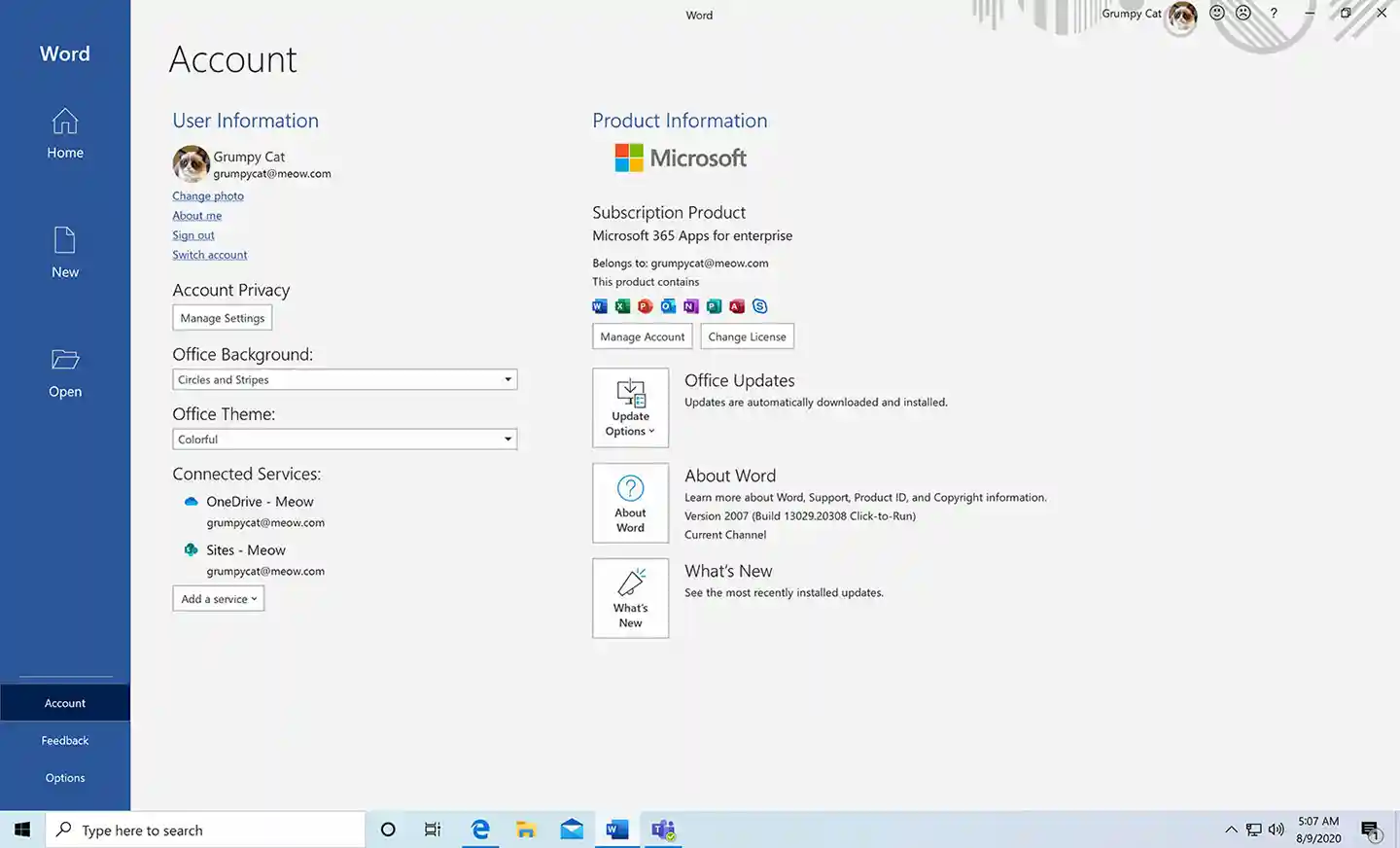
We email you a username and temporary password for your new account. Sign in with that account to download and activate Office. No separate Microsoft 365 product key is required.
Benefits of Your Office 365 License
This account unlocks the complete, premium Office 365 experience for 3 years.
| Feature | Your Benefit |
|---|---|
| Install on up to 15 devices | Install Office on up to 5 PCs or Macs, 5 phones and 5 tablets. Use one device at a time. |
| Office Apps | Work with Word, Excel, PowerPoint, Outlook, OneNote, Access and Teams. |
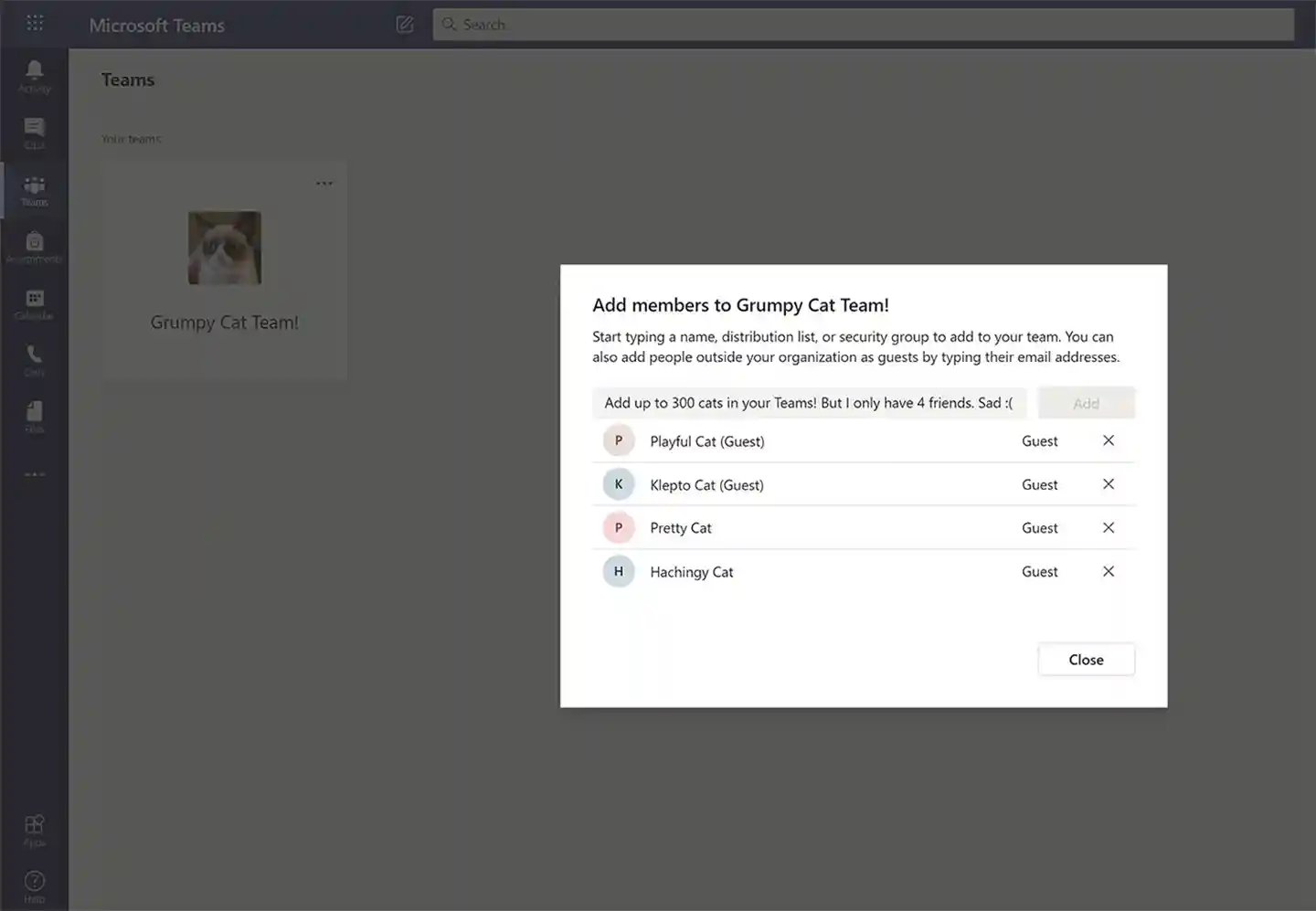
| Microsoft Teams | Host online meetings with up to 1,000 participants for up to 30 hours, with chat and screen sharing. |
| Works Offline & Online | Use the desktop apps offline. Save files on your device or connect your own OneDrive for cloud storage. |
| Continuous Updates & Upgrades | Receive app updates throughout your 3-year subscription on supported operating systems. |
Who Should Choose an Office 365 License for Personal Use?
A Microsoft 365 subscription includes Word, Excel, PowerPoint, Outlook, OneNote, Access and Teams for coursework and important projects. One payment covers three years for one person, and you can switch between devices as long as you use one at a time.
- Power users and freelancers who use Office for their projects.
- Students who want to organize class notes, track assignments and meet with classmates in Teams.
- The Multi-Platform User who owns and works across a Windows PC, a Mac, a tablet, and a phone.
- Home-based Creators and Hobbyists who need premium apps for their personal projects.
- Anyone who wants to avoid recurring subscription fees and secure 3 years of Office for one low price.
Microsoft 365 Personal vs. Business Comparison
Choose Personal if one person will use Office on one device at a time. Choose Business if your company needs to manage Office on up to 10 PCs or Macs and use up to 10 devices at once.
| FEATURE | Microsoft 365 Personal | Microsoft 365 Business (E3) |
|---|---|---|
| Specific License Tier | Personal License | E3 License (Enterprise 3) |
| Primary Target Audience | Students, power users and freelancers working on projects | Small Businesses, Startups, and Agencies |
| Commercial Use Compliant | No (Intended for personal/home use) | Yes (Fully licensed for commercial use) |
| Simultaneous App Sessions | One device at a time | Up to 10 devices at a time |
| Computer Activations | Up to 5 PCs or Macs | Up to 10 PCs or Macs |
| Mobile & Tablet Activations | 5 Phones and 5 Tablets | Unlimited phones and tablets |
| Account Sharing Policy | Strictly for 1 Person (Sharing violates terms) | One person at your company manages the account for its devices |
| 3rd Party Add-ins | Disabled (Restricted for security) | Enabled (Full access to external plugins) |
| License Management | Basic Self-Management | Centralized Dashboard (View, Deactivate, Re-allocate) |
Need the Business Option?
Keep your business computers working at the same time with up to 10 concurrent device sessions. Office 365 Business activates on 10 PCs or Macs + unlimited phones and tablets, giving your business the capacity to run Office across multiple workstations.
Manage your Office installations through one account, with a central dashboard to view and deactivate devices when computers are replaced. Get this flexibility with one payment for 3 years, backed by our 3-year service guarantee and 24/7 support.
Important
This is a special type of account. Please read these points carefully:
- Password Recovery: You must write down your new password and keep it safe. If you forget your password, it cannot be recovered.
- 3-Year Warranty: While these accounts last an average of five to eight years, we fully guarantee your access for a minimum of 3 years. If your service stops before then, we will gladly provide a free replacement. Please treat this account strictly as a licensing tool to activate your Office software and avoid using it for personal file storage to prevent any potential data loss.
- OneDrive Usage: As mentioned above, because this account functions as a dedicated licensing tool, you could lose access to any documents saved on this account’s cloud drive. To ensure your files remain secure permanently, always save your work locally to your computer or link your own personal OneDrive account to your Office apps.
- Account Sharing: This account is meant for one person with multiple devices, not for multiple people or business.
- Third-Party Add-ins: To maintain enterprise-level security protocols, these pre-provisioned accounts are configured to restrict the downloading and installation of third-party Office Store Add-ins. All core Office applications and built-in features function perfectly, but external plugins cannot be added.
- Administrative Assistance: You manage this account yourself. You can add or remove licenses, change your password, manage your settings and privacy, monitor sign-ins and more. We will not manage your account for you. We will decline all requests that relate to account recovery. Your account is solely your responsibility.
What is the price of Microsoft 365?
Microsoft 365 Personal costs ₱17,604 over three years at ₱489 a month. At Product Key Philippines, a three-year Microsoft 365 subscription costs ₱1,880 for one person. You save ₱15,724, or over 89%.
3-Year Service Guarantee
This product is guaranteed to provide access to the Microsoft 365 service for a minimum of 3 years. In the rare event it stops working before the 3-year guaranteed period is over, we will provide a full replacement.
Activate Your Office 365 Subscription
- Instant Delivery: Immediately after your purchase, you will receive an email from us with your new account username and a temporary password.
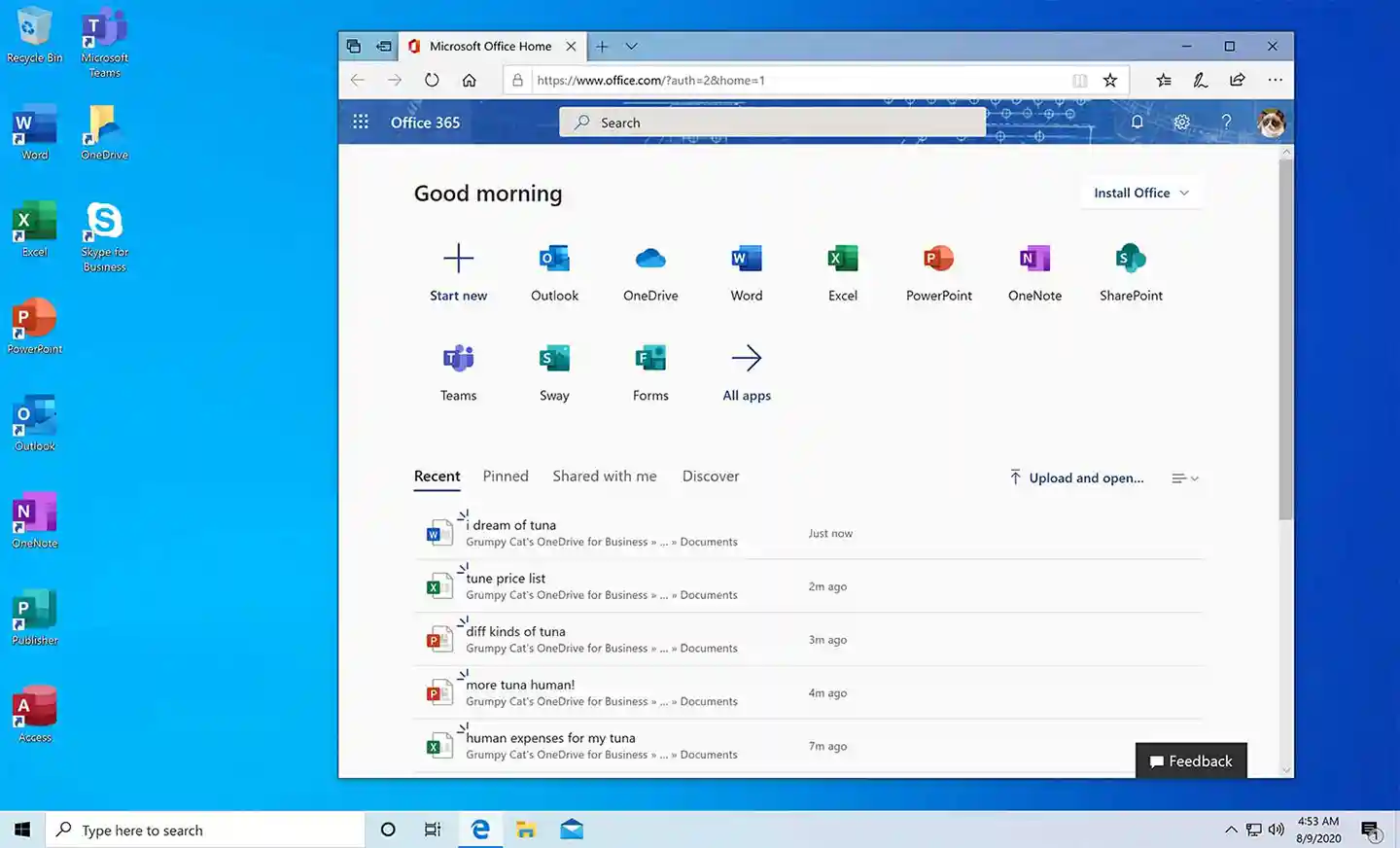
- Activate Your Account: Go to the official office.com website, sign in, and immediately change your password to something only you know.
- Download & Install: From your account dashboard, you can download and install the Office apps on up to 15 of your devices.
For detailed instructions with screenshots, see our Office 365 installation guide.
Product Specifications
- Account Type: 3-Year Access Account
- Payment Model: One-Time Payment
- Service Duration: Guaranteed 3 Years
- Usage Scope: For 1 Person (Single User)
- Device Activations: 15 Total (5 PCs/Macs, 5 Tablets, 5 Phones)
- Concurrent Use: 1 Simultaneous Device Session at a Time
System Requirements
- OS: Windows 11; one of the three most recent versions of macOS.
- Windows processor: 1.6 GHz or faster, 2-core.
- RAM: 4 GB.
- Storage: 4 GB available on Windows; 10 GB on Mac.
- Mobile: The four most recent major Android versions or two most recent iOS/iPadOS versions.
- Chromebook: Use Office in your web browser; desktop apps cannot be installed.
Frequently Asked Questions (FAQ)
- What is the Office 365 price in the Philippines? At Product Key Philippines, ₱1,880 covers one person for three years.
- Do I pay once for this 3-year Office 365 subscription? Yes. You pay us only once. This single payment covers your full 3-year subscription to the Microsoft 365 service and apps. There are no other fees.
- Will I receive an Office 365 product key? Your Microsoft 365 license comes through a new account with a username and temporary password. Sign in with this account to use your 3-year subscription; a separate 25-character code is not supplied.
- How many people can use this account at the same time? This Office 365 license is strictly for one person and allows for one concurrent device session at a time. It is designed to give a single user access to Office across all their personal devices (laptops, tablets, phones, etc.). Sharing the account is a security risk and violates the terms of use.
- What happens after the 3 years are over? After the guaranteed 3-year term, the account may continue to work, but it is not guaranteed. At that time, you may need to purchase a new account to continue the service.
- Can I use Office offline? Yes. Use the desktop apps offline, then connect to the internet at least once every 30 days to keep your subscription activated. Installation, activation and online services require internet access.
- What happens if I forget my password? It is critical that you save your password in a safe place. Due to the nature of these accounts, a forgotten password cannot be recovered.
- Why is this so much cheaper than a standard subscription? We buy access in bulk and pass the savings on to you. Your new account includes the Office 365 apps and our three-year service guarantee.
Product Key Philippines only sells software licenses of European origin legally usable on all countries and territories without region restrictions. We are protected by law to sell this product and your purchase is protected and recognized by law under Article 4(2) of EU Directive 2009/24/EC and section 177.3 of the Intellectual Property Code Of The Philippines. We are a fully registered business entity accredited by the Department of Trade and Industry (DTI), Bureau of Internal Revenue (BIR), and the Local Government of Quezon City.
848 reviews for Office 365 3-Year Subscription
You must be logged in to post a review.

Email Delivery
You will receive your genuine license, official download link and official installation instructions via email within 5 to 30 minutes 24/7 after sending us the proof of payment.
If a physical sales invoice was requested with your completed purchase, it will be shipped the next day. It will arrive within 2-3 days for Metro Manila addresses and 3-5 days for addresses outside Metro Manila.



wtonic.wt (verified owner) –
Highly recommended. Fast and smooth transaction. Surely will buy again thank you.
Lan (verified owner) –
Installation went smooth and hassle-free. The product works well as advertised.
Thanks PKPH for living up to your promise of providing genuine and affordable softwares to the masses. Please continue your commitment of helping our teachers and students, I’m sure that 10% goes a long way.
Martin Almeda (verified owner) –
strikto ako sa lisensya ng mga kliyente, d sakin uubra mga pirated at crack. kapanghinayang lang kasi now lang ako naging aware sa website nyo milyones na ata nagastos ko bago ko nalaman laki sana ng natipid ko pero okidoks lang now i know. pang isang client ko lang binibigay bawat account nito as advised. salamat productkey.
xtine (verified owner) –
Highly recommende!!! will order again soon. THANK YOU
ririmiimi (verified owner) –
I was skeptical about this but I swear this is legit! I can’t believe I didn’t see website before and had to get office through torrents haha. Thank you product key.ph! It was so easy to order too 😀 it helped a lot since we got new laptops for online classes.
Geson Calipay (verified owner) –
I got this legitimate product in less than 5 mins from the time I ordered. Their 24/7 email support is superb. Highly recommended! I have yet to experience problems with this product, so kudos to your company.
acbautista (verified owner) –
Productkey.ph has been our source of genuine/legit software products for the past 3 years! Easy to deal with and accommodating. Highly recommended.
vimtoren (verified owner) –
Confirming that this is a legit product! One od the very few helpful Customer Support out there. They will definitely respond to your queries and even give you updates that they’ve given a portion of your payment to help children.
If you’re still on the fence about your purchase, don’t overthink. Get the product. Help yourself and help others in the process.
Thank you, Sir Joey!
terynosaur (verified owner) –
Can vouch that this is Legit. Working smoothly and instructions were clear.
I can run other programs without any problems now. Thank you for this!
Ian (verified owner) –
I was a bit hesitant on purchasing at first but while reading the reviews I decided to give it a chance and I was not disappointed, product was emailed almost immediately after they confirmed my payment. You just have to be sure to remove all existing Microsoft office from your computer.
pauledwardcasem (verified owner) –
Legit, been using their product for more than a year. I never encountered any issue or problem. Highly recommended!
ronino_reyes (verified owner) –
Great that I found ProduktKey.ph were I purchase my Microsoft Office, especially this time that we need Microsoft Office for the online classes of my nephew and its good for 5 devices best of all its very affordable and dor a lifetime use. Also a part of your purchase goes to support public school students, teachers and non-profit organizations for education by giving E-Learning Software.
kherico22 (verified owner) –
I bought this Microsoft Office 365 Professional Plus For 5 Devices, Lifetime product for P1,880 last 18th of June 2020. Still working as of this writing. After paying online I received the product through email after 17 minutes. Seller’s response is fast and detailed. Definitely recommending this product for those who are working at home.
jusgonz777 (verified owner) –
I bought this last February 2020 due to my thesis. It has been a great help for me as a highschool student that they accomodated my request that I pay later and use it first. Even up to this day, my account still functions as intended
productkeyPH –
Education po is our commitment and we thank you for this feedback. We highly value the plight of our students and will use our resources to mitigate the economic requirements that our right for quality education demands.
levinedavenacino (verified owner) –
It’s already past 2 years since I bought a Microsoft Office 365 Professional Plus here and it’s still working smoothly since the day I bought it. This product is indeed for 5 devices since I have already used it in my 2 laptops and both of them have working Microsoft Office. In addition to this, my Microsoft Office have regular updates so it’s INDEED LEGIT or GENUINE!
jmaxrom (verified owner) –
07/11/2020
Ordered
Received credentials
Changed password
Install Office 365
Done
jiggamashida (verified owner) –
I was honestly not expecting this to be legit, but it is. I got the info a few minutes after sending the proof of payment. Thanks for this! 10/10!
elgieduldulao (verified owner) –
Got the key upon submitting the proof of payment. It only took less than 5 minutes to process.
pa3ck28 (verified owner) –
Thank you Productkey.ph. Transaction completed in just minutes. The best! Can now also install it to my family’s laptops. Hoping for more available softwares.
gigawat999 (verified owner) –
Legit item! Thanks!