


Office 365 3-Year Subscription
₱1,880.00
✔ Pay Once for 3 Years
✔ 1 User • 1 Device at a Time
✔ Install on 5 PCs or Macs
✔ Plus 5 Phones + 5 Tablets
✔ Office Apps + Teams
✔ Offline Use • Regular Updates
✔ Instant Email Delivery
✔ 24/7 Support
In stock



Receive your genuine license, official download, and setup guide by email within 30 minutes of payment, with 24/7 live chat support.
Office 365 for One Person
3-Year Subscription • 1 User
Pay Once for Three Years of Microsoft 365
Get a genuine Microsoft 365 license, formerly known as Office 365, with one payment for a 3-year subscription. Your purchase includes a new account for one person, with Office apps for your PC or Mac, phones and tablets.
What You Receive
Upon purchase, you will receive a new, personal account with a username and a temporary password. During your first login at office.com, you will be required to change the password to something only you know. This account includes your 3-year Microsoft 365 subscription. Sign in to download and activate Office; no separate Microsoft 365 product key is needed.
Benefits of Your Office 365 License
This account unlocks the complete, premium Office 365 experience for 3 years.
| Feature | Your Benefit |
|---|---|
| Massive 15-Device Activation | Activate Office on 5 PCs or Macs, 5 phones, & 5 tablets, allowing 1 concurrent device session at a time. |
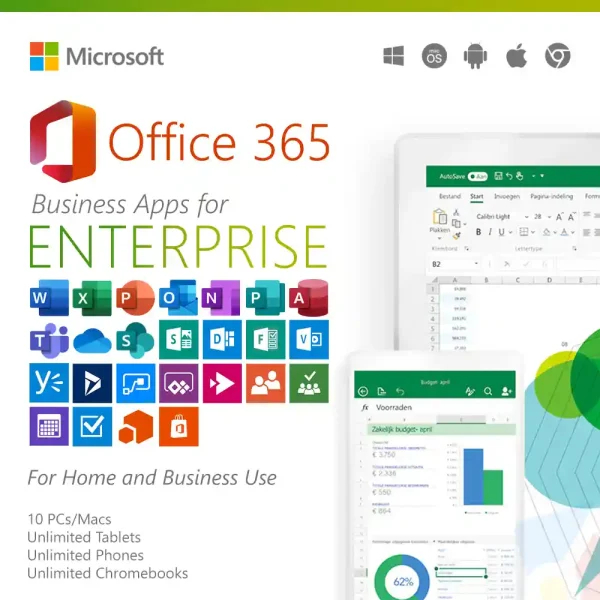
| Office Apps | Work with Word, Excel, PowerPoint, Outlook, OneNote and Teams. |
| Microsoft Teams |
Host online meetings with up to 1,000 participants for up to 30 hours, with chat and screen sharing. |
| Works Offline & Online | Enjoy the full power of the desktop applications offline, with the flexibility to save and access your work from the cloud. |
| Continuous Updates & Upgrades | Receive app updates throughout your 3-year subscription on supported operating systems. |
Who Should Choose an Office 365 License for Personal Use?
Microsoft 365 subscription access is a good fit if you want Word, Excel and PowerPoint for your own coursework or home projects. One payment covers three years for one person, and you can switch between devices as long as you use one at a time.
- Power Users and Freelancers who want to lock in a low price for several years.
- Students who want Word, Excel and PowerPoint for coursework during the three-year term.
- The Multi-Platform User who owns and works across a Windows PC, a Mac, a tablet, and a phone.
- Home-based Creators and Hobbyists who need premium apps for their personal projects.
- Anyone who wants to avoid recurring subscription fees and secure 3 years of Office for one low price.
Microsoft 365 Personal vs. Business Comparison
Choose Personal if one person will use Office on one device at a time. Choose Business if your company needs to manage Office on up to 10 PCs or Macs and use up to 10 devices at once.
On smaller screens, swipe the table sideways to compare both options.
| FEATURE | Microsoft 365 Personal | Microsoft 365 Business (E3) |
|---|---|---|
| Specific License Tier | Personal License | E3 License (Enterprise 3) |
| Primary Target Audience | Power Users, Freelancers, and Students | Small Businesses, Startups, and Agencies |
| Commercial Use Compliant | No (Intended for personal/home use) | Yes (Fully licensed for commercial use) |
| Simultaneous App Sessions | 1 Concurrent Session at a time | Up to 10 Concurrent Sessions at a time |
| Computer Activations | Up to 5 PCs or Macs | Up to 10 PCs or Macs |
| Mobile & Tablet Activations | 5 Phones and 5 Tablets | Unlimited phones and tablets |
| Account Sharing Policy | Strictly for 1 Person (Sharing violates terms) | Designed to be shared within one organization |
| 3rd Party Add-ins | Disabled (Restricted for security) | Enabled (Full access to external plugins) |
| License Management | Basic Self-Management | Centralized Dashboard (View, Deactivate, Re-allocate) |
Need the Business Option?
Keep your business computers working at the same time with up to 10 concurrent device sessions. Office 365 Business activates on 10 PCs or Macs + unlimited phones and tablets, giving your business the capacity to run Office across multiple workstations.
Manage your Office installations through one account, with a central dashboard to view and deactivate devices when computers are replaced. Get this flexibility with one payment for 3 years, backed by our 3-year service guarantee and 24/7 support.
Important
This is a special type of account. Please read these points carefully:
- Password Recovery: You must write down your new password and keep it safe. If you forget your password, it cannot be recovered.
- 3-Year Warranty: While these accounts last an average of five to eight years, we fully guarantee your access for a minimum of 3 years. If your service stops before then, we will gladly provide a free replacement. Please treat this account strictly as a licensing tool to activate your Office software and avoid using it for personal file storage to prevent any potential data loss.
- OneDrive Usage: As mentioned above, because this account functions as a dedicated licensing tool, you could lose access to any documents saved on this account’s cloud drive. To ensure your files remain secure permanently, always save your work locally to your computer or link your own personal OneDrive account to your Office apps.
- Account Sharing: This account is meant for one person with multiple devices, not for multiple people or business.
- Third-Party Add-ins: To maintain enterprise-level security protocols, these pre-provisioned accounts are configured to restrict the downloading and installation of third-party Office Store Add-ins. All core Office applications and built-in features function perfectly, but external plugins cannot be added.
- Administrative Assistance: Your account is administratively set up in a way that you have all the power to manage it on your own. You can add or remove licenses, change your password, manage your settings and privacy, monitor sign-ins and more. We will not manage your account for you. We will decline all requests that relate to account recovery. Your account is solely your responsibility.
Save Over 89% on Your Office 365 Subscription
What is the Microsoft 365 price in the Philippines? Our three-year Microsoft 365 subscription costs ₱1,880 for one person.
Microsoft 365 Personal costs ₱17,604 over three years at ₱489 monthly. That’s ₱15,724 less, over 89% in savings!
3-Year Service Guarantee
This product is guaranteed to provide access to the Microsoft 365 service for a minimum of 3 years. In the rare event it stops working before the 3-year guaranteed period is over, we will provide a full replacement.
Activate Your Office 365 Subscription
- Instant Delivery: Immediately after your purchase, you will receive an email from us with your new account username and a temporary password.
- Activate Your Account: Go to the official office.com website, sign in, and immediately change your password to something only you know.
- Download & Install: From your account dashboard, you can download and install the Office apps on up to 15 of your devices.
For detailed instructions with screenshots, see our Office 365 installation guide.
Product Specifications
- Account Type: 3-Year Access Account
- Payment Model: One-Time Payment
- Service Duration: Guaranteed 3 Years
- Usage Scope: For 1 Person (Single User)
- Device Activations: 15 Total (5 PCs/Macs, 5 Tablets, 5 Phones)
- Concurrent Use: 1 Simultaneous Device Session at a Time
System Requirements
- OS: Windows 11; one of the three most recent versions of macOS.
- Windows processor: 1.6 GHz or faster, 2-core.
- RAM: 4 GB.
- Storage: 4 GB available on Windows; 10 GB on Mac.
- Mobile: The four most recent major Android versions or two most recent iOS/iPadOS versions.
- Chromebook: Use Office in your web browser; desktop apps cannot be installed.
Frequently Asked Questions (FAQ)
- What is the Office 365 price in the Philippines? At Product Key Philippines, ₱1,880 covers one person for three years.
- Do I pay once for this 3-year Office 365 subscription? Yes. You pay us only once. This single payment covers your full 3-year subscription to the Microsoft 365 service and apps. There are no other fees.
- Will I receive an Office 365 product key? Your Microsoft 365 license comes through a new account with a username and temporary password. Sign in with this account to use your 3-year subscription; a separate 25-character code is not supplied.
- How many people can use this account at the same time? This Office 365 license is strictly for one person and allows for one concurrent device session at a time. It is designed to give a single user access to Office across all their personal devices (laptops, tablets, phones, etc.). Sharing the account is a security risk and violates the terms of use.
- What happens after the 3 years are over? After the guaranteed 3-year term, the account may continue to work, but it is not guaranteed. At that time, you may need to purchase a new account to continue the service.
- Can I use Office offline? Yes. Use the desktop apps offline, then connect to the internet at least once every 30 days to keep your subscription activated. Installation, activation and online services require internet access.
- What happens if I forget my password? It is critical that you save your password in a safe place. Due to the nature of these accounts, a forgotten password cannot be recovered.
- Why is this so much cheaper than a standard subscription? Think of it like group buying discount. A single subscription directly from Microsoft is expensive because it’s sold one-by-one. We work within enterprise partner frameworks to acquire genuine access in bulk, and we pass those huge savings on to you. Your new account includes the Office 365 apps and our three-year service guarantee.
Product Key Philippines only sells software licenses of European origin legally usable on all countries and territories without region restrictions. We are protected by law to sell this product and your purchase is protected and recognized by law under Article 4(2) of EU Directive 2009/24/EC and section 177.3 of the Intellectual Property Code Of The Philippines. We are a fully registered business entity accredited by the Department of Trade and Industry (DTI), Bureau of Internal Revenue (BIR), and the Local Government of Quezon City.
848 reviews for Office 365 3-Year Subscription
You must be logged in to post a review.

Email Delivery
You will receive your genuine license, official download link and official installation instructions via email within 5 to 30 minutes 24/7 after sending us the proof of payment.
If a physical sales invoice was requested with your completed purchase, it will be shipped the next day. It will arrive within 2-3 days for Metro Manila addresses and 3-5 days for addresses outside Metro Manila.


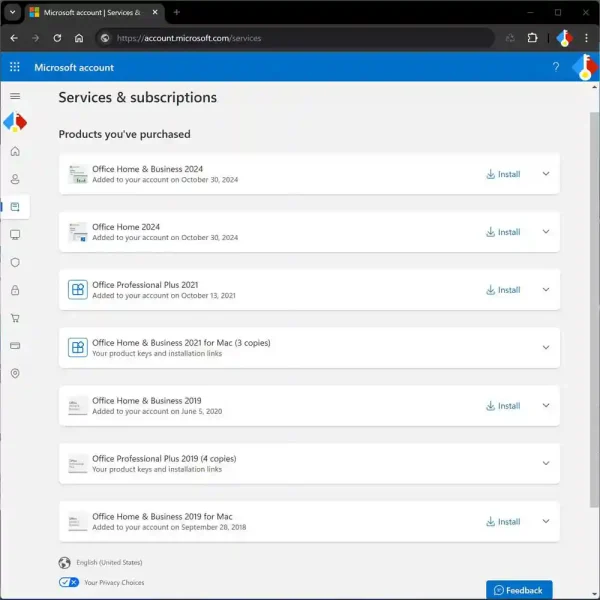


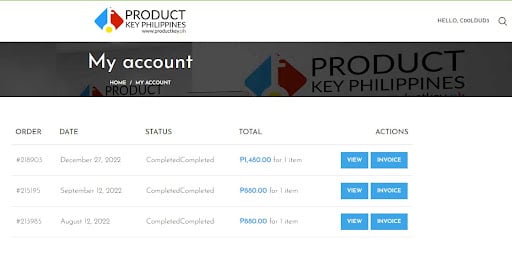


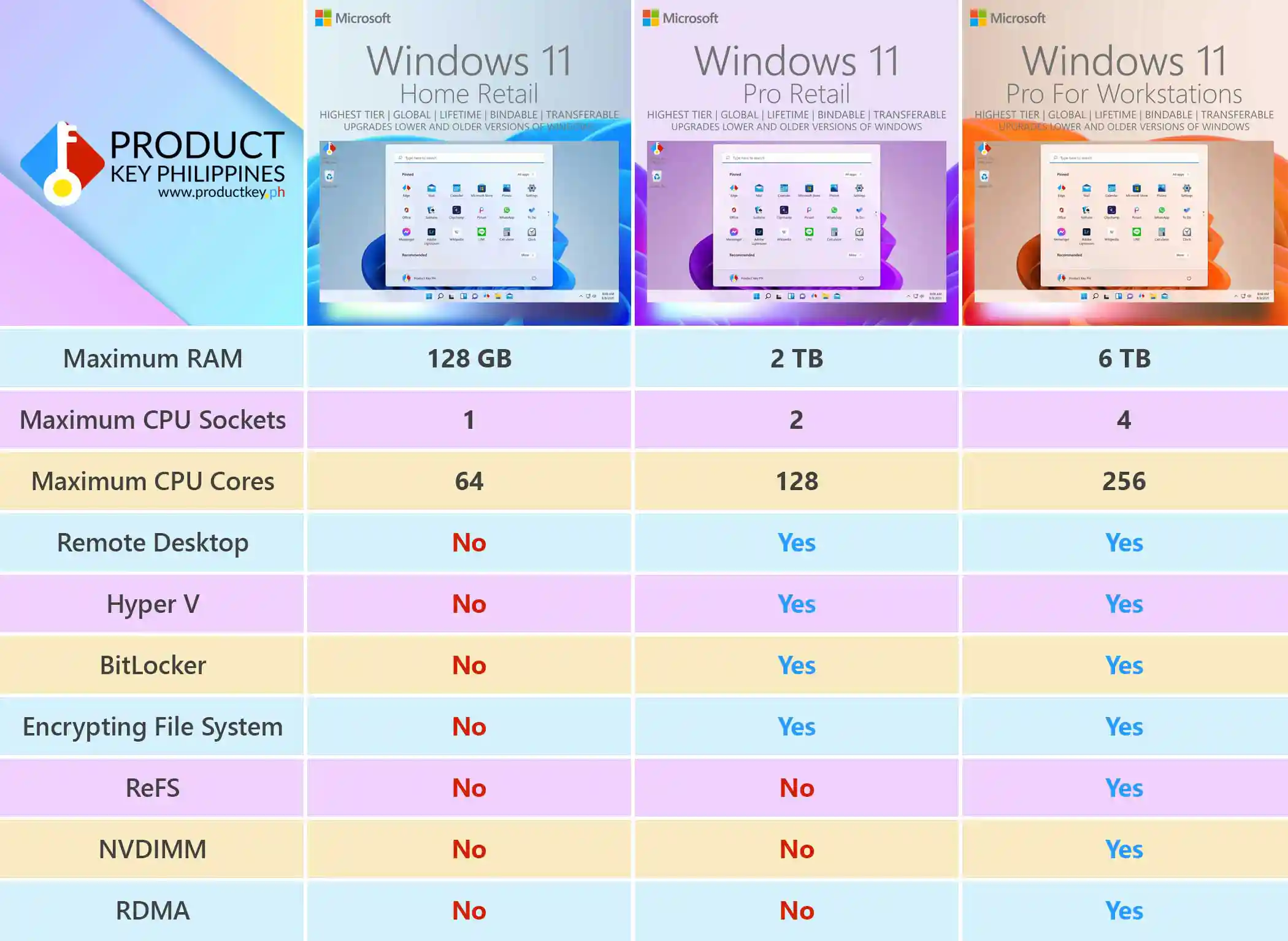
. (verified owner) –
Their customer service was helpful and professional. I had some questions before purchasing, and the team provided clear explanations.
. (verified owner) –
I appreciate how quickly they handle orders. Receiving the necessary information through email within a few minutes makes online purchasing much easier.
. (verified owner) –
Mas gusto ko ang seller na may maayos na customer support. Importante na may malalapitan kapag may questions ka tungkol sa purchase mo.
. (verified owner) –
Good overall experience. The pricing was reasonable, the ordering process was convenient, and the team responded properly to my questions.
. (verified owner) –
Very accommodating staff. They patiently answered my inquiries and explained the process in a way that was easy to understand.
. (verified owner) –
The transaction went smoothly, and communication was clear from beginning to end. Their team was helpful and professional throughout the experience.
. (verified owner) –
Their prices are worth checking out if you’re looking for affordable software licensing options. I also appreciate their responsive customer service.
. (verified owner) –
Hindi ako nahirapan sa process. Clear ang instructions, mabilis ang email delivery, at approachable ang customer support nila.
. (verified owner) –
What I appreciate most is their willingness to help even after the purchase. Good after-sales assistance makes a difference when buying software online.
. (verified owner) –
A professional and convenient service. The team handled my inquiry properly, and the order processing was completed without unnecessary delays.
. (verified owner) –
Satisfied ako sa assistance na natanggap ko. Mabilis silang mag-reply at nagbibigay ng maayos na explanation kapag may concern.
. (verified owner) –
I compared several online sellers, and their pricing was among the more affordable options I found. The ordering experience was also simple and convenient.
. (verified owner) –
The availability of 24/7 live support is a great convenience. Customers can ask questions whenever assistance is needed instead of waiting for regular business hours.
. (verified owner) –
Maganda ang communication nila sa customers. Hindi mahirap magtanong at maayos nilang ipinapaliwanag ang mga kailangan mong malaman tungkol sa order.
. (verified owner) –
I appreciate the affordable pricing. It’s always nice to find budget-friendly options without having to sacrifice convenience and customer assistance.
. (verified owner) –
Their customer service made a good impression. The staff was approachable, answered my questions clearly, and provided useful information throughout the process.
. (verified owner) –
Mabilis ang service nila at hindi complicated ang transaction. Nagustuhan ko rin na may available na support kapag may questions pagkatapos bumili.
. (verified owner) –
I had a pleasant experience purchasing here. The process was straightforward, and the team was responsive when I needed clarification. Everything was communicated properly.
. (verified owner) –
Convenience is what I liked most about the service. From the initial inquiry to receiving the order details through email, the process was easy to follow.
. (verified owner) –
I appreciate their professional approach to customer inquiries. They provide clear information and make sure customers understand the necessary steps.