
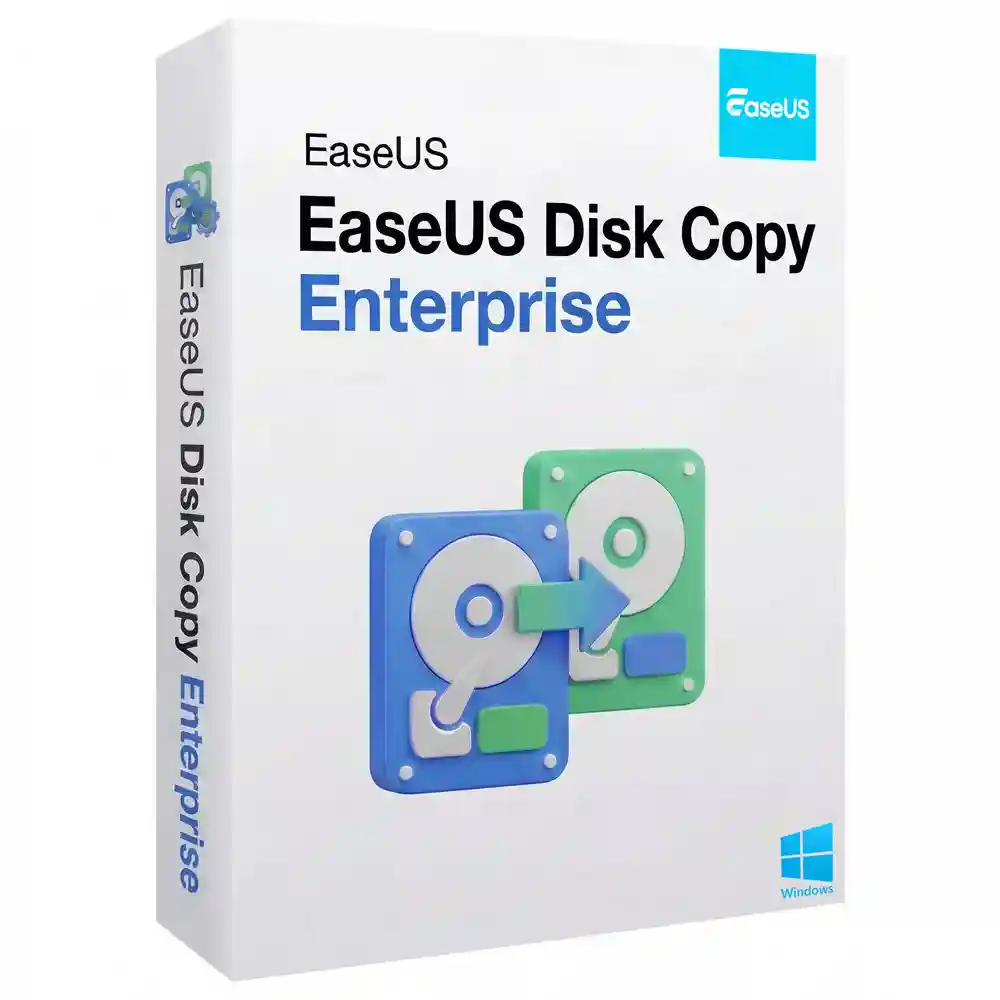
EaseUS Disk Copy Enterprise Lifetime Retail License
₱1,480.00
✔ Genuine EaseUS Disk Copy Enterprise License
✔ Lifetime Validity (Perpetual License)
✔ Activate on up to 3 PCs or Servers
✔ Sector-by-Sector Cloning (Recover Bad Sectors)
✔ Migrate OS to SSD/HDD Instantly
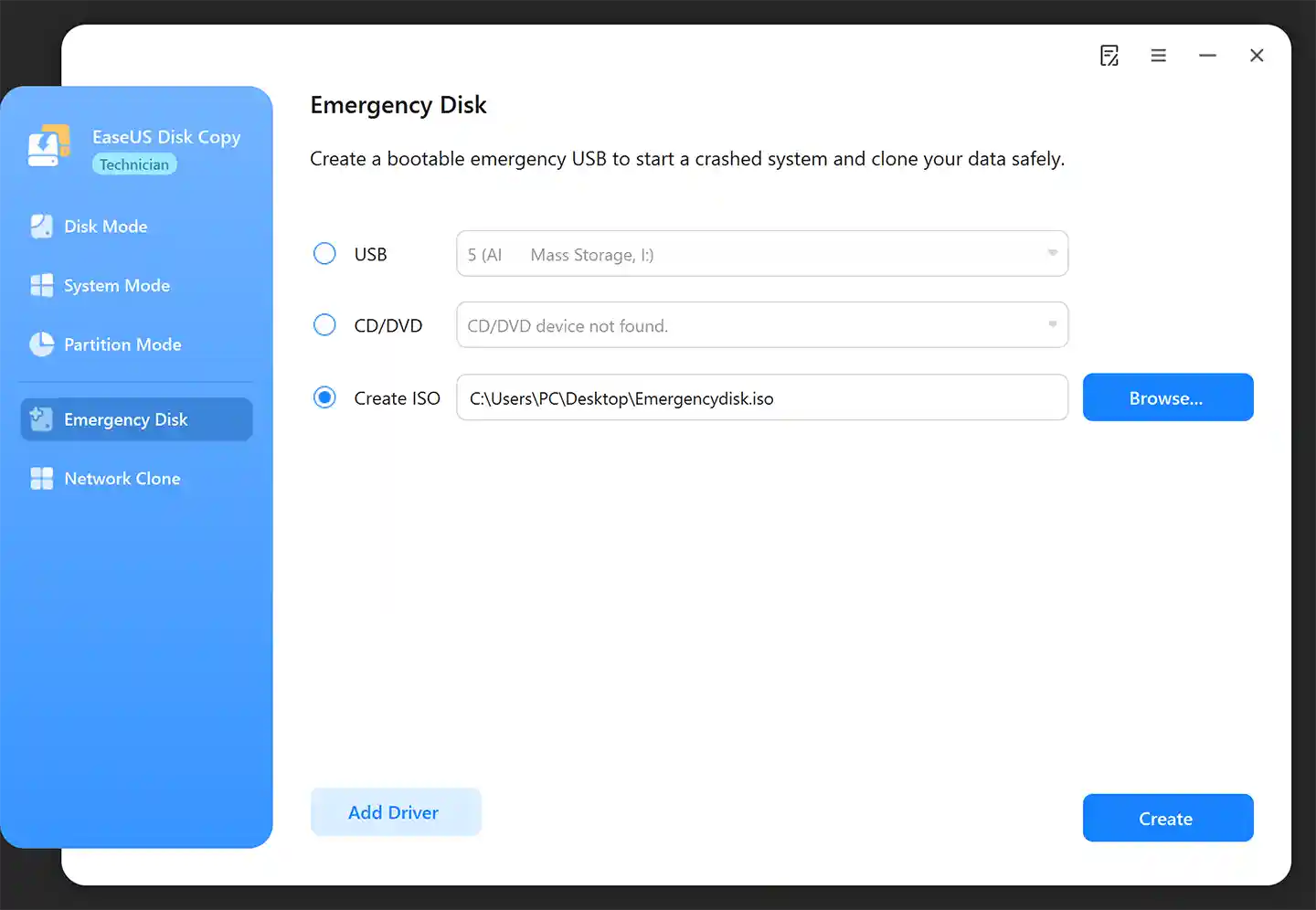
✔ Create Bootable Rescue Media (USB/CD)
✔ Mass Deployment for IT Admins
In stock
EaseUS Disk Copy Enterprise Lifetime Retail License
The Professional Disk Cloning & System Migration Toolkit.
Clone, Migrate, and Upgrade Drives in One Click
Upgrading hard drives or deploying new workstations shouldn’t be a headache. EaseUS Disk Copy Enterprise License is the specialized cloning utility that makes exact copies of data, applications, and settings simple. Whether you are upgrading a slow HDD to a lightning-fast SSD, replacing a failing disk with bad sectors, or migrating a Windows Server OS to new hardware, this tool handles it with precision. With its powerful sector-by-sector technology, you ensure 100% identity between the original and new disk. This Lifetime License for 3 PCs empowers IT professionals to minimize downtime and simplify administrative routines without the need for complex reinstallations.
Key Features & Benefits
EaseUS Disk Copy Enterprise License is designed to handle every cloning scenario, from simple backups to complex server migrations.
| FEATURE | YOUR BENEFIT |
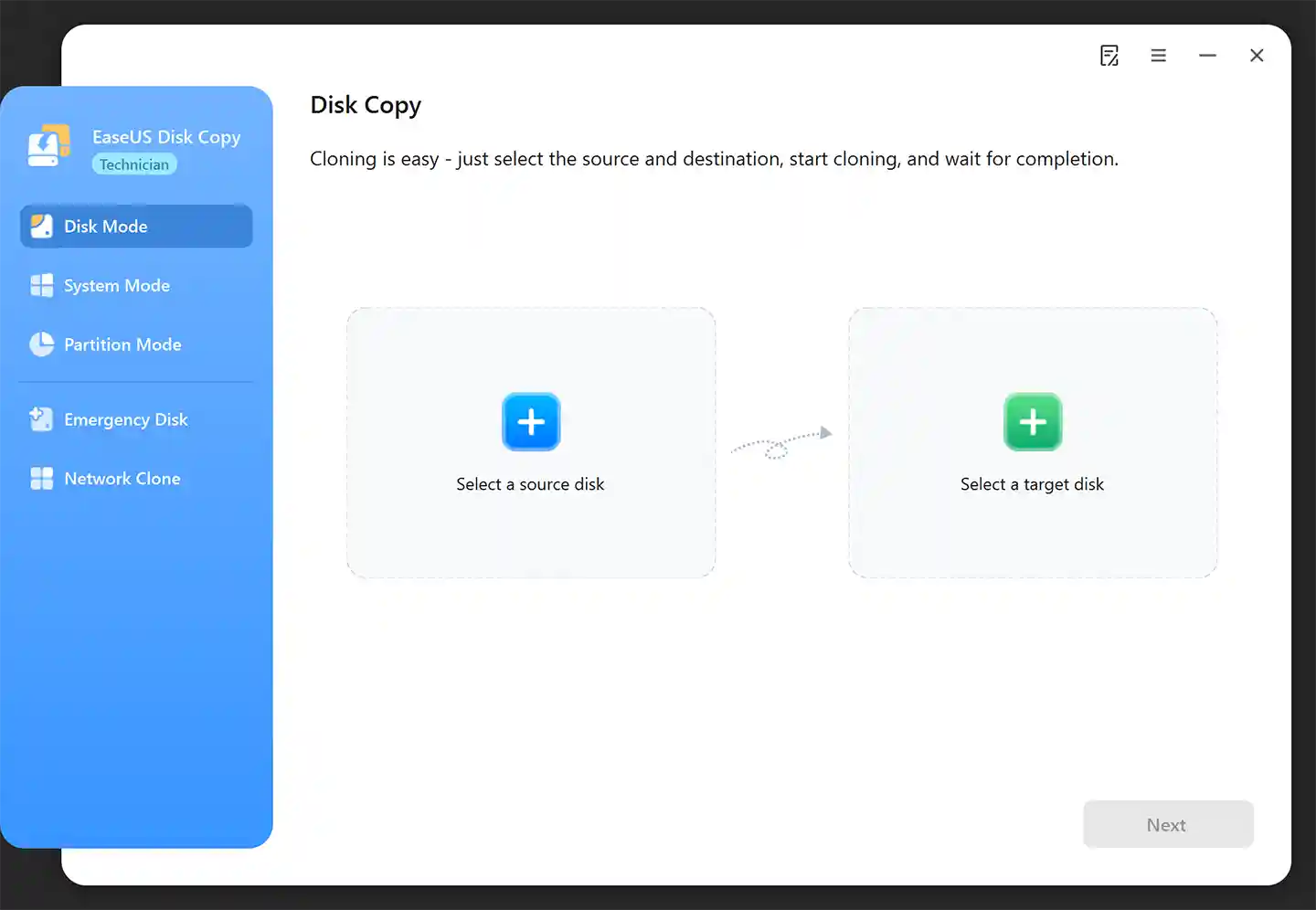
| One-Click Disk Cloning | Create an exact replica of your hard drive or SSD. The new disk is 100% identical to the original, ready for immediate use. |
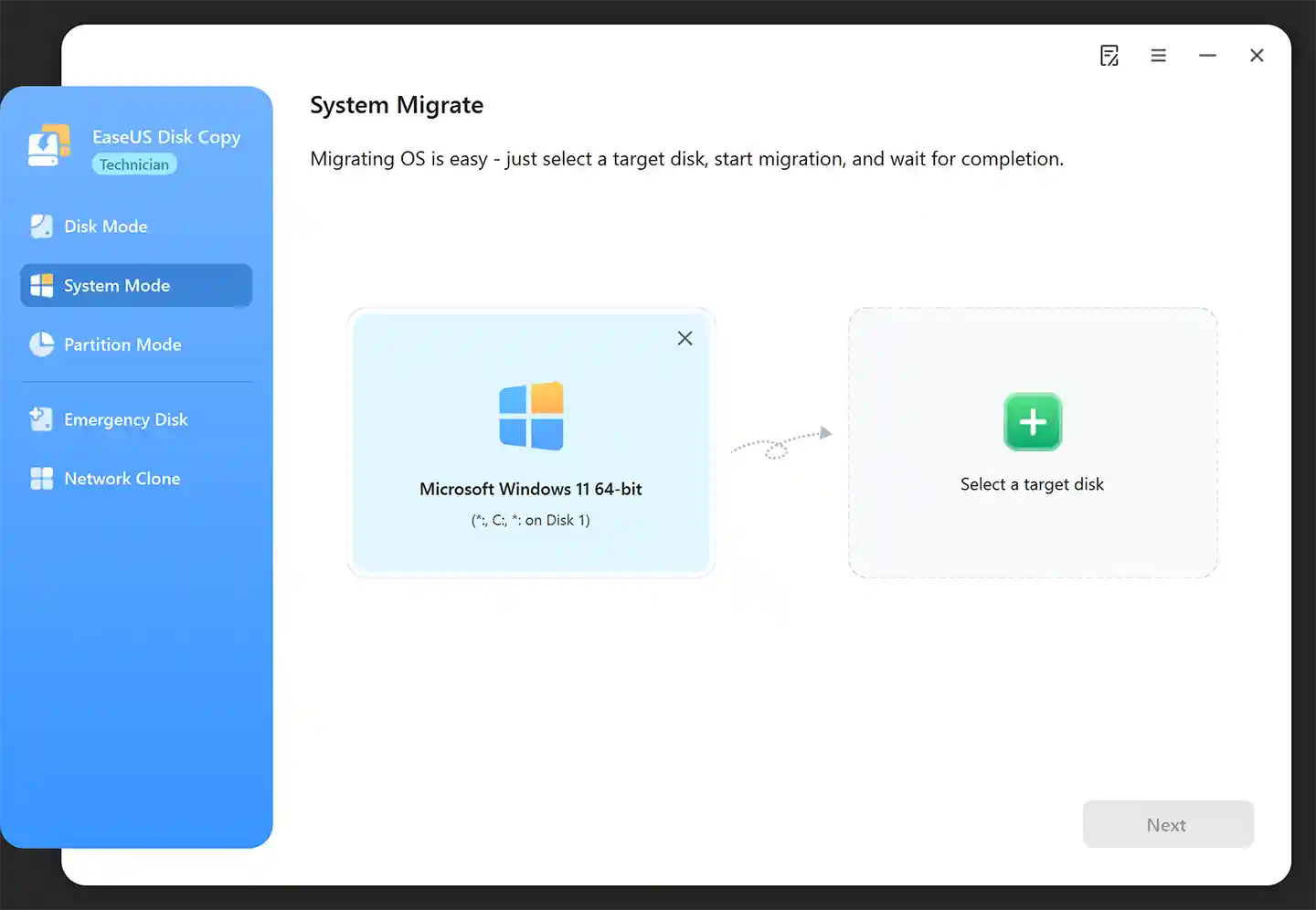
| System Migration | Move your Windows OS (including Windows 11/10 and Server) to a new drive instantly without reinstalling the operating system or applications. |
| Sector-by-Sector Copy | The ultimate recovery tool. Clone hard drives with physical bad sectors to a healthy drive to salvage data before the disk fails completely. |
| Mass Deployment | Ideal for IT admins. Configure one machine, clone the drive, and deploy the identical setup to multiple computers to save hours of installation time. |
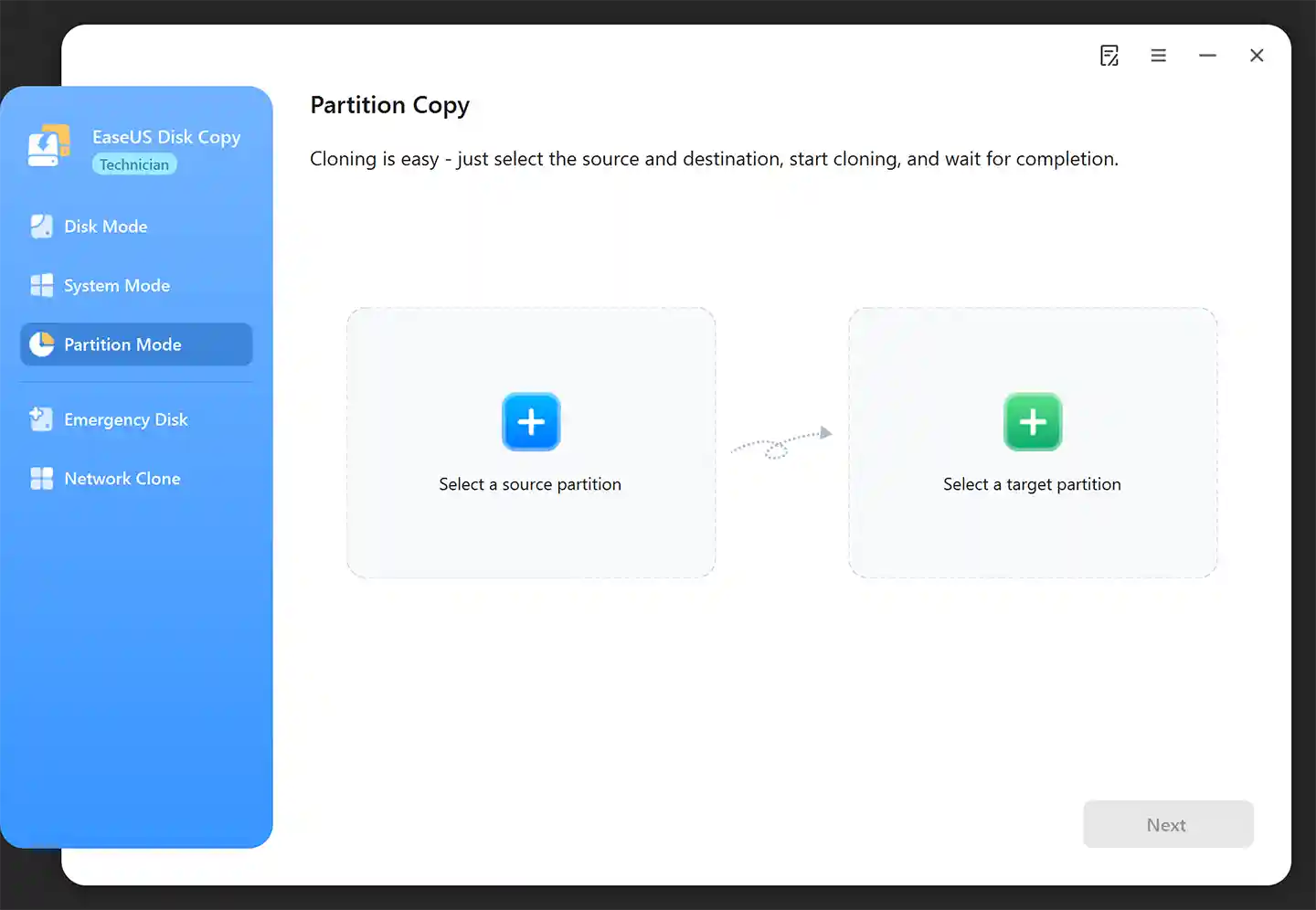
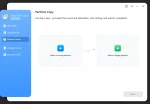
| Flexible Partition Copy | Don’t need the whole disk? Clone only specific partitions or data volumes to back up essential files or migrate file systems. |
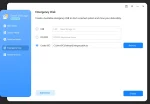
| Bootable Rescue Media | Create a WinPE bootable USB or CD/DVD. Launch the cloning wizard even if your operating system has crashed or refuses to boot. |
| SSD Optimization | Automatically aligns partitions during the cloning process to ensure your new SSD runs at peak performance and lifespan. |
| Hardware Agnostic | Supports cloning across different brands and sizes, including IDE, SATA, SCSI, USB HDD, and FireWire drives. |
Who is This For?
EaseUS Disk Copy Enterprise License is the essential toolkit for:
-
IT Departments managing mass computer setups and requiring identical software configurations across multiple machines.
-
Server Administrators who need to migrate Windows Server 2003 up to the latest systems to larger arrays or faster storage.
-
Technicians replacing failing hard drives for clients who need to recover data from disks with bad sectors.
-
Business Owners ensuring they have bootable physical backups of critical workstations.
-
PC Enthusiasts upgrading their gaming rigs or laptops from mechanical HDDs to NVMe SSDs without losing data.
Important
-
License Terms: This is a lifetime EaseUS Disk Copy Enterprise License. It allows activation on up to 3 PCs (PC or Servers).
-
Reinstallations: Reactivating the software on the same machine after reformatting is considered a new installation and will decrease the activation count.
-
Installation: Download the trial version from the official EaseUS website and use the key provided to unlock full Enterprise features.
Save 99% vs. Official Subscription Models
Official licensing models can be costly. A single 1-month license for just 1 PC costs ₱1,160. If you were to maintain that for 3 PCs over 10 years, the cost would balloon to ₱417,600. Here at Product Key Philippines, you get a Lifetime License for 3 PCs for a one-time payment of just ₱1,480. You save 99% compared to the long-term cost!
Lifetime Guarantee
Your EaseUS Disk Copy Enterprise License is guaranteed for life. It will never expire. In the unlikely event that your key stops working, we will gladly provide a full replacement.
Simple & Secure Activation Process
-
Instant Delivery: After payment is confirmed, you will receive an email containing your unique product key, download link, and installation instructions.
-
Activate Software: Download the trial version from the official link provided. Launch the program, click “Activate,” and enter your key to upgrade to the Enterprise edition.
-
Get Expert Support: If you encounter any issues during installation or validation, simply contact us. We are here to resolve any problems immediately.
Product Specifications
-
License Type: Lifetime License (Perpetual)
-
Device Count: Activates on up to 3 PCs/Servers
-
Updates: Includes Regular Upgrades & Updates
-
Cloning Speed: High-speed sector-level copying
-
Boot Support: Supports USB/CD/DVD Bootable Media
System Requirements
-
OS: Windows XP, Vista, 7, 8, 8.1, 10, 11
-
Server OS: Windows Server 2003, 2008, 2012, 2016, 2019, 2022, 2025
-
File Systems: FAT12, FAT16, FAT32, NTFS
-
Supported Storage: IDE HDD, SSD, USB HDD, SCSI HDD, SATA HDD, FireWire (IEEE 1394)
-
Processor: 1 GHz or faster
-
RAM: 1 GB minimum
-
Storage: 1 GB of available disk space
Frequently Asked Questions (FAQ)
-
Does this work on Windows Server? Yes. EaseUS Disk Copy Enterprise is fully compatible with Windows Server 2003 and later versions.
-
Can I clone a drive with bad sectors? Yes. The “Sector-by-Sector” copy mode allows you to clone drives with physical errors to a healthy disk, maximizing data recovery chances.
-
Will my new disk be bootable after cloning? Yes. If you use the “System Mode” or “Disk Mode” to clone your system drive, the target disk will be bootable immediately.
-
Can I clone a larger HDD to a smaller SSD? Yes, as long as the used data space on the source HDD is smaller than the total capacity of the destination SSD.
-
I want to clone a drive on a computer that won’t start? You can use the “Create Bootable Disk” feature to make a USB drive, boot your PC from it, and perform the cloning process outside of Windows.
Product Key Philippines only sells software licenses of European origin legally usable on all countries and territories without region restrictions. We are protected by law to sell this product and your purchase is protected and recognized by law under Article 4(2) of EU Directive 2009/24/EC and section 177.3 of the Intellectual Property Code Of The Philippines. We are a fully registered business entity accredited by the Department of Trade and Industry (DTI), Bureau of Internal Revenue (BIR), and the Local Government of Quezon City.
9 reviews for EaseUS Disk Copy Enterprise Lifetime Retail License
You must be logged in to post a review.

Instant Delivery
You will receive your genuine license, official download link and official installation instructions via email within 5 to 30 minutes 24/7 after sending us the proof of payment.
If a USB installer was added with your completed purchase, it will be shipped the next day. It will arrive within 2-3 days for Metro Manila addresses and 3-5 days for addresses outside Metro Manila.
Related products





Bea Roxas (verified owner) –
Same as the original disk! That’s what this software can do to your files and applications. It can copy everything, the settings, even the operating system. Not only that, it produces the exact copy to a new disk. It’s an extremely important tool for creating backup files and transferring files for my internet cafe and PC repair business.
Ezekiel Pratt (verified owner) –
Para sa akin, sulit tong lifetime license ng EaseUS Disk Copy ng productkey.ph. For 1,480.00 maaupgrade mo na yung smaller disk mo into a bigger one, and from HDD to SDD (cloning). Can even clone disk that has a bad sector and maintaining its data.
Mae Singson (verified owner) –
Legit software, successfully cloned a defective HDD to SSD. The cloned drive is exactly the same as the original. Settings, file locations and even icon arrangement on desktop are the same. Just clone the drive, plug in instead of the old drive then you’re good to go.
Ismael Singh (verified owner) –
If you want to copy the same exact settings and applications in your current drive to a new drive (a larger one usually), then I highly recommend you use this EaseUS disk copy as it can do it. Also, I would like to encourage you to only buy the license from legit stores such as the Product Key PH for your device’s and/or drive’s safety and protection.
Cassie Guinto (verified owner) –
Such a useful tool to have. You can transfer files (even large files including OS) from your previous drive to another. It can clone not just files but settings as well, so there’s no tinkering or fixing needed when you transfer it to a new PC or drive. So, if you are using a new PC, it’s an exact replica of your old one.
Matt Canlas (verified owner) –
I’m a repeat customer already and all licenses here are genuine. If you need to copy or clone sensitive or important data from one drive or PC to another, I suggest you only buy from a genuine license dealer like Productkey.PH.
Maxine Alejandrino (verified owner) –
Love the built-in burning feature. It helped me create a bootable CD/DVD and even ISB automatically to prepare for cloning the current disk. Great app indeed!
Peter Delparo (verified owner) –
This software lets you copy or clone a large disk to a smaller one (for example, from HDD to SSD) and vice versa. It doesn’t affect your OS, so it is safe to use (no need to reinstall or uninstall OS). Good thing they have it here for a cheaper price.
c00ldud3 (verified owner) –
fast transaction, legit software keys. activate within seconds.