
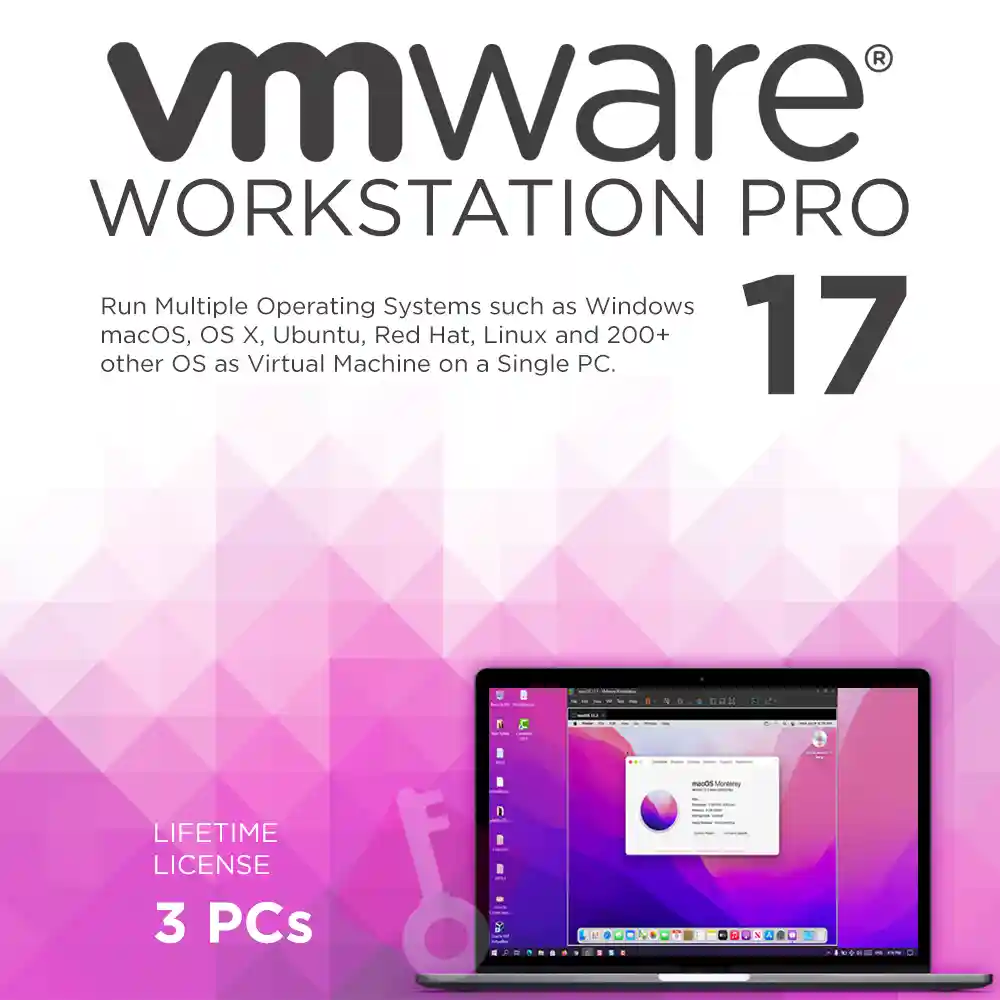

VMware Workstation Pro 17 Lifetime Retail License
₱1,280.00
✔ Genuine VMware Workstation Pro 17 License
✔ Valid for 3 PCs with Permanent Activation
✔ Run Multiple Operating Systems Simultaneously
✔ Support for 200+ Guest OS
✔ Includes Regular Software Updates
✔ Instant Digital Delivery & Support
✔ Lifetime Guarantee
In stock
VMware Workstation Pro 17 Lifetime Retail License
The Ultimate Desktop Virtualization Solution.
Take Your Virtualization to the Next Level
VMware Workstation Pro 17 License allows you to run multiple operating systems at once on the same Windows or Linux PC. Offered by Product Key PH in the Philippines, this digital activation key provides a perpetual lifetime license for up to 3 PCs. Whether you are developing code, architecting solutions, testing applications, or demonstrating products, you can seamlessly create real virtual machines and run over 200 guest operating systems such as Windows, Ubuntu, Red Hat, SUSE, Linux, Debian, Fedora, openSUSE, Mint, CentOS, and even the latest macOS.
Key Features & Benefits
VMware Workstation Pro 17 License is packed with powerful tools to make creating, managing, and running virtual machines easier than ever.
| FEATURE | YOUR BENEFIT |
| Multiple OS Environments | Run Windows, Linux, and other operating systems side-by-side without rebooting your computer. |
| Advanced Virtual Networking | Create complex virtual networking environments and simulate real-world network conditions for testing. |
| Broad OS Support | Install and run over 200 guest operating systems such as Windows, Linux, and macOS. |
| High-Performance Graphics | Utilize robust graphics support to run demanding 3D applications smoothly within your virtual machines. |
| Secure Virtual Machines | Protect your virtual machines with encryption and strictly restrict access to USB devices and clipboard sharing. |
| Helpful VM Snapshots | Create rollback points to instantly revert your virtual machine to a previous state, perfect for testing unknown software. |
| Rapid Machine Clones | Save time and disk space by quickly duplicating existing virtual machine setups for repeated testing. |
| Seamless vSphere Integration | Connect securely with vSphere and ESXi servers to manage both virtual machines and physical hosts. |
| REST API Control | Automate deployment and streamline your development workflow with local REST API integration. |
| Shared Virtual Machines | Share and test applications in a simulated production environment securely with your team or clients. |
Who is This For?
VMware Workstation Pro 17 License delivers a desktop virtualization solution designed for every kind of user:
-
IT Professionals who need a high-powered productivity tool to manage and test environments securely.
-
Developers requiring an expansive engineering environment to build and test code across multiple platforms.
-
Quality Assurance (QA) Teams needing to rapidly test applications across various simulated operating systems and network conditions.
-
Business Leaders looking to enable independent, isolated initiatives without buying additional hardware.
-
Students & Home Users wanting to explore different operating systems and learn virtualization safely.
Important
This VMware Workstation Pro 17 License is a digital activation key used to officially activate the software downloaded directly from the VMware website. Please note that digital keys cannot be registered to a personal account on the VMware portal (which requires a physical retail product purchase). However, not being able to register your purchase does not limit the software’s functionality, features, or updates in any way.
Lifetime Guarantee
VMware Workstation Pro 17 License comes with a lifetime guarantee. Your license will never expire. In the rare event that it stops working, we’ll gladly provide a full replacement.
Save 97% vs. Official Pricing
A standard single license of the latest VMware Workstation Pro 17 License costs ₱12,680. Buying retail licenses for 3 PCs would normally cost ₱38,040. Here at Product Key Philippines, you get the exact same permanent access for 3 PCs for a one-time payment of just ₱1,280. You save 97%!
Simple Activation Process
-
Check Your Email: After purchase and once payment has cleared, you will receive the product key, the official download link, and installation instructions via email.
-
Download & Install: Carefully follow the unique instructions provided to download and install the software on your system.
-
Activate: Enter your digital product key when prompted to permanently activate the software. For problems during installation, do not hesitate to Contact Us and we will surely resolve any issues related to the software installation and activation.
Product Specifications
-
License Type: Lifetime / Perpetual
-
Team Size: Valid for 3 PCs
-
Platform: Windows and Linux
System Requirements
-
Operating System: 64-bit OS from Windows 8 or later; compatible Linux distributions.
-
Access: Internet connection required for software download and product activation.
-
Processor: 1.3 GHz or faster
-
RAM: 2 GB minimum
-
Disk Space: 1.2 GB of available disk space (Additional hard disk space required for each virtual machine you create).
Frequently Asked Questions (FAQ)
-
Is this a one-time payment for the license? Yes. This is a one-time purchase for a lifetime license that permanently activates VMware Workstation Pro 17 on up to 3 PCs. It will never expire.
-
Will I receive software updates? Yes. Your perpetual activation includes regular updates throughout the life of the Workstation Pro 17 software.
-
Can I run macOS on a Windows PC with this software? Yes. VMware Workstation Pro allows you to run over 200 guest operating systems such as Windows, Linux, and macOS simultaneously on your host PC.
-
Why is this software so heavily discounted? We provide genuine digital activation keys rather than retail boxed products, allowing us to pass massive bulk savings directly to you.
-
Can I transfer my license if I buy a new computer? Yes. Because the license belongs to you, you can uninstall the software from an old machine and reinstall it on a new one, provided you do not exceed the 3 PC limit at any given time.
Product Key Philippines only sells software licenses of European origin legally usable on all countries and territories without region restrictions. We are protected by law to sell this product and your purchase is protected and recognized by law under Article 4(2) of EU Directive 2009/24/EC and section 177.3 of the Intellectual Property Code Of The Philippines. We are a fully registered business entity accredited by the Department of Trade and Industry (DTI), Bureau of Internal Revenue (BIR), and the Local Government of Quezon City.
18 reviews for VMware Workstation Pro 17 Lifetime Retail License
You must be logged in to post a review.

Instant Delivery
You will receive your genuine license, official download link and official installation instructions via email within 5 to 30 minutes 24/7 after sending us the proof of payment.
If a USB installer was added with your completed purchase, it will be shipped the next day. It will arrive within 2-3 days for Metro Manila addresses and 3-5 days for addresses outside Metro Manila.






migzborlongan (verified owner) –
Works flawlessly on Windows 11. I was able to virtualize the needed servers.
migzborlongan (verified owner) –
Works flawlessly on Windows 11. I was able to virtualize the needed servers.
Nash Cuenco (verified owner) –
The rapid duplication is just one of the features it offers and I need most as an IT manager of a popular China-based gaming company. Less work sa pag backup and pag test ng compatibility ng games. Imagine, without this, you will need to buy new laptops with different kind of OS each time mag tetest ng game compatibility. You can quickly and accurately duplicate a VM setup. You also have the option to link clones (duplicate) to save physical disk space or to create a full duplicate you can share with others.
Avery Canoy (verified owner) –
Works in Windows and Linux PC. You’ll be able to run multiple instances of an operating system on one PC. All thanks to this amazing tool.
Gavin Añonuevo (verified owner) –
I am now able to run several operating systems on my Windows using this licensed VMWare Workstation Pro that I purchased from this store. Also, the price is affordable here for a lifetime license.
Harvey Santa Ana (verified owner) –
This version of VMware has more advanced virtual machine settings compared to others. Also, it runs restricted VMs that are password-protected for more secured usage. So lucky to have the cheaper version of the license compared to the ones that are available in the market.
Otto Magallanes (verified owner) –
Ginagamit ko to pag nag tetest ako ng software bago ko install sa main PC ko. Very useful that way. I have to admit hindi naman lahat ng software ko is orig, bibili ka ba ng 150,000 pesos na Autocad? Pero this VMWare is legit.
Leroy Nuñez (verified owner) –
Bought Windows 8.1 from this same store last 2016 and I’m still enjoying their lifetime license. Product Key Philippines is a proven legit seller of genuine product keys. Just recently, I bought their VMware Workstation Pro. Bought it for my OBSLive testing and it actually gave me very good results!
Jiro Ventura (verified owner) –
Kung sigurista ka, perfect tool to para sayo. Dito, pwede mo itry yung mga apps or software na gusto mo iinstall sa main PC mo para malaman mo kung magmamalfunction ba yun or hindi. After testing on VMWare, at nakita mong goods naman, pwede mo na iinstall sa main PC mo. In that case, maiiwasan natin yung any damages sa PC natin since this is just a virtual machine.
Theo Lacson (verified owner) –
The usual price of this tool’s license is around 35k pesos. It’s available here for only 1,280 pesos. Malaking savings na yun sa totoo lang. Good thing I did not ignore the ads I saw on Google which routed me to this store.
Alonso Pineda (verified owner) –
Setting up virtual machines (VM) on a single PC has never been this easy and productive. Take note, you can use different OS’ in one computer at the same time. Of course, just be mindful of the system requirements. But overall, this VMWare Workstation Pro is a good deal in my opinion.
Ryu Campos (verified owner) –
Create a new virtual machine, share it, run it with different modes, and even rename it! These are just some of the features of this VM Workstation Pro. Have it licensed to enjoy its full potential.
Aiden Garcia (verified owner) –
Thank you productkey.ph for your genuine product keys and for the smooth transaction! Will definitely buy again from your shop.
Zion Lucero (verified owner) –
The best virtual machine for our computer! This is a very powerful productivity tool. Good thing Product Key Philippines has the license for this.
Skye Aquino (verified owner) –
Fast buying process! Thank you Productkey PH! Your VMWare Workstation Pro activation key is really working. Genuine keys indeed.
Finn Esteban (verified owner) –
I’m a repeat buyer. I never regret buying here. Their product keys actually worked not just on my PC but on 2 other computers as well. Good buy!
rainel.roflo (verified owner) –
within 5 minutes I’ve got my product key. no hassle. thank you so much.
Vince Magno (verified owner) –
Pangatlong bili ko na ng product keys dito sa PKPh at guaranteed ko na talaga na lahat ng product keys nila dito ay genuine. Also, pag lifetime license, lifetime talaga. There was one license pa nga I bought na they promised to work for 5 years only but they gave me more than 5 years!