Nitro PDF Pro 13 Lifetime Retail License

(101 customer reviews)

1,880.00

✔ Genuine Lifetime License
✔ One-Time Payment, No Subscriptions
✔ For 1 Windows PC
✔ Powerful PDF Editing & Conversion
✔ eSigning & Cloud Integration
✔ Instant Digital Delivery & Support
✔ Lifetime Guarantee

In stock

Category:
Description

Nitro PDF Pro 13 Lifetime Retail License

The Smart, Lifetime Adobe Acrobat Alternative.

Tired of Paying Monthly for Your PDF Editor?

Unlock the full power of your documents with a genuine Nitro PDF Pro 13 License. This is the smart, one-time purchase for professionals and businesses in the Philippines who need a powerful, feature-rich PDF solution without the recurring fees of Adobe Acrobat. Create, convert, edit, sign, and secure your PDF files with an intuitive tool you own forever.

Key Features & Benefits

This suite is a collection of professional-grade tools designed to solve your most common PDF headaches.

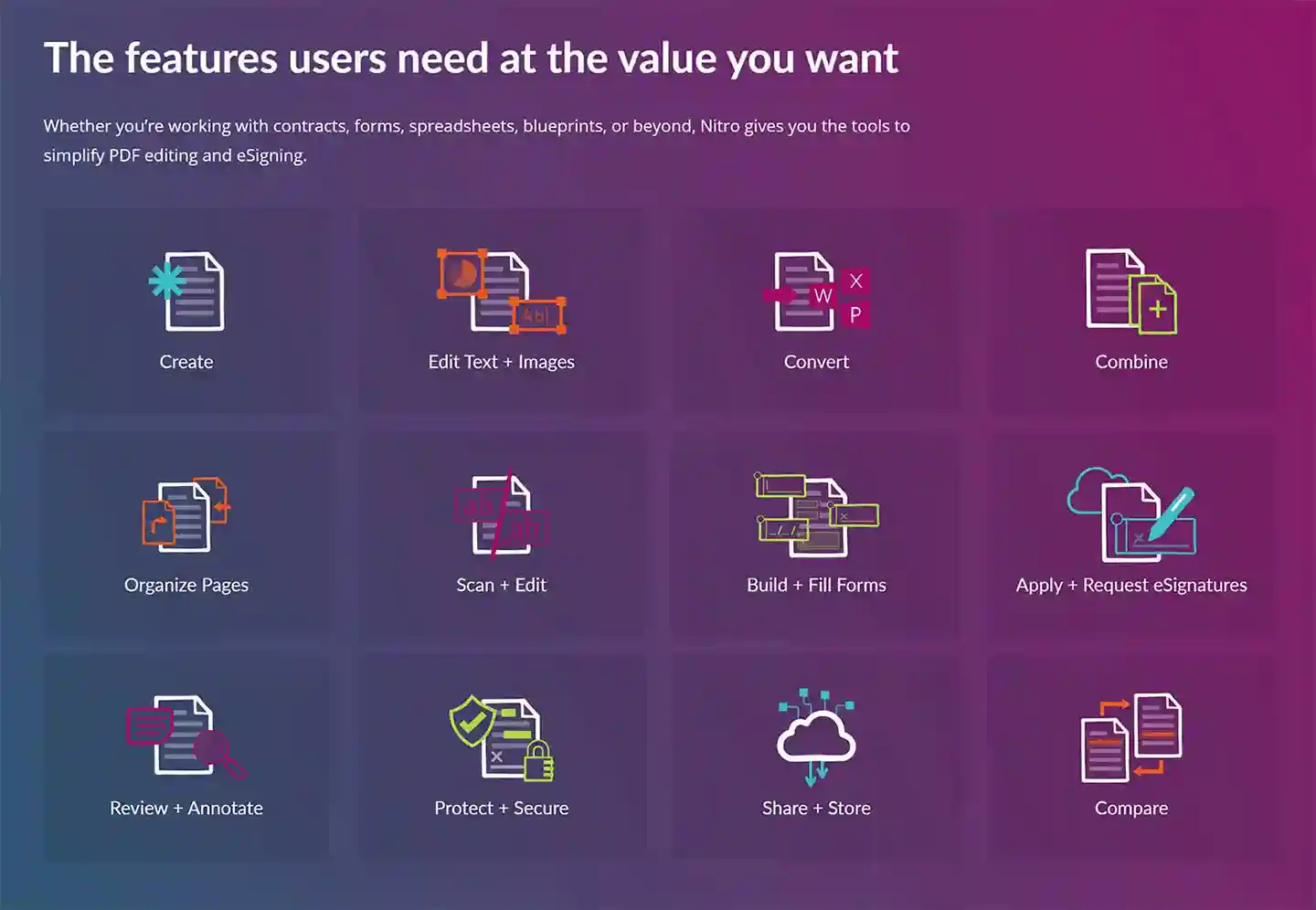
Feature Your Benefit
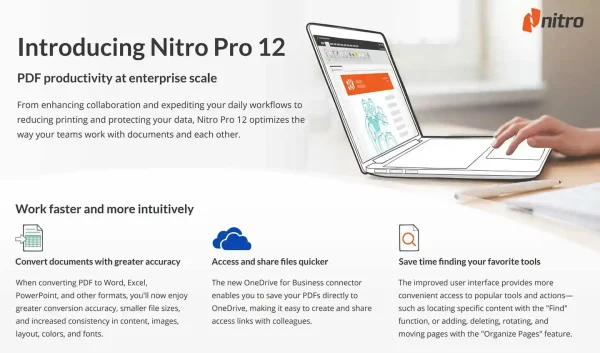
PDF to Editable Office (Word, Excel) Convert PDFs into editable Word, Excel, and PowerPoint files with industry-leading accuracy, preserving your original formatting.
High-Precision OCR Engine Turn scanned documents and images into searchable, editable text with a high-resolution OCR engine that recognizes multiple languages.
Intuitive PDF Editing Directly edit text, images, and pages. Add, delete, and modify your PDF documents with an easy-to-use, Office-style ribbon interface.
Create & Combine PDFs Create PDFs from any application that can print, or combine multiple file types into a single, organized, and searchable PDF.
eSigning Integration (Nitro Sign) Request and apply secure, legally binding electronic signatures, and manage your eSigning workflows directly from your desktop.
Fill & Create PDF Forms Easily fill out any PDF form, or create your own custom, fillable forms with text fields, checkboxes, and buttons.
Cloud Storage Integration Seamlessly connect to your cloud storage. Open and save files directly from Dropbox, Google Drive, OneDrive, and Box.
Robust PDF Security Protect your sensitive information by setting passwords, managing user permissions, and permanently redacting confidential text and images.
Compare PDF Documents Quickly spot differences between two versions of a document with a side-by-side comparison tool that highlights all changes.
Create PDF/A Archives Ensure your documents are compliant with ISO-standards for long-term archiving with PDF/A creation tools.

Who is This For?

This lifetime license is perfect for any professional who works with PDF documents on a daily basis:

  • Business Professionals who create, review, and sign contracts and reports.
  • Legal and Administrative Staff who manage large volumes of searchable documents.
  • Engineers & Architects who need to view and annotate CAD drawings in PDF format.
  • Students and Educators who need a powerful tool for research and assignments.
  • Anyone looking for a full-featured, permanent alternative to Adobe Acrobat Pro.

Important

  • License Terms: This is a lifetime Nitro PDF Pro 13 License for a single PC. It is non-transferable to a different computer.
  • Reinstallations: We allow up to two (2) reinstallations on the same device during its life. Reformatting your PC will consume one of these reinstallations. We strongly recommend performing a full image backup of your activated system.

Save 81% on Your Nitro PDF Pro 13 License

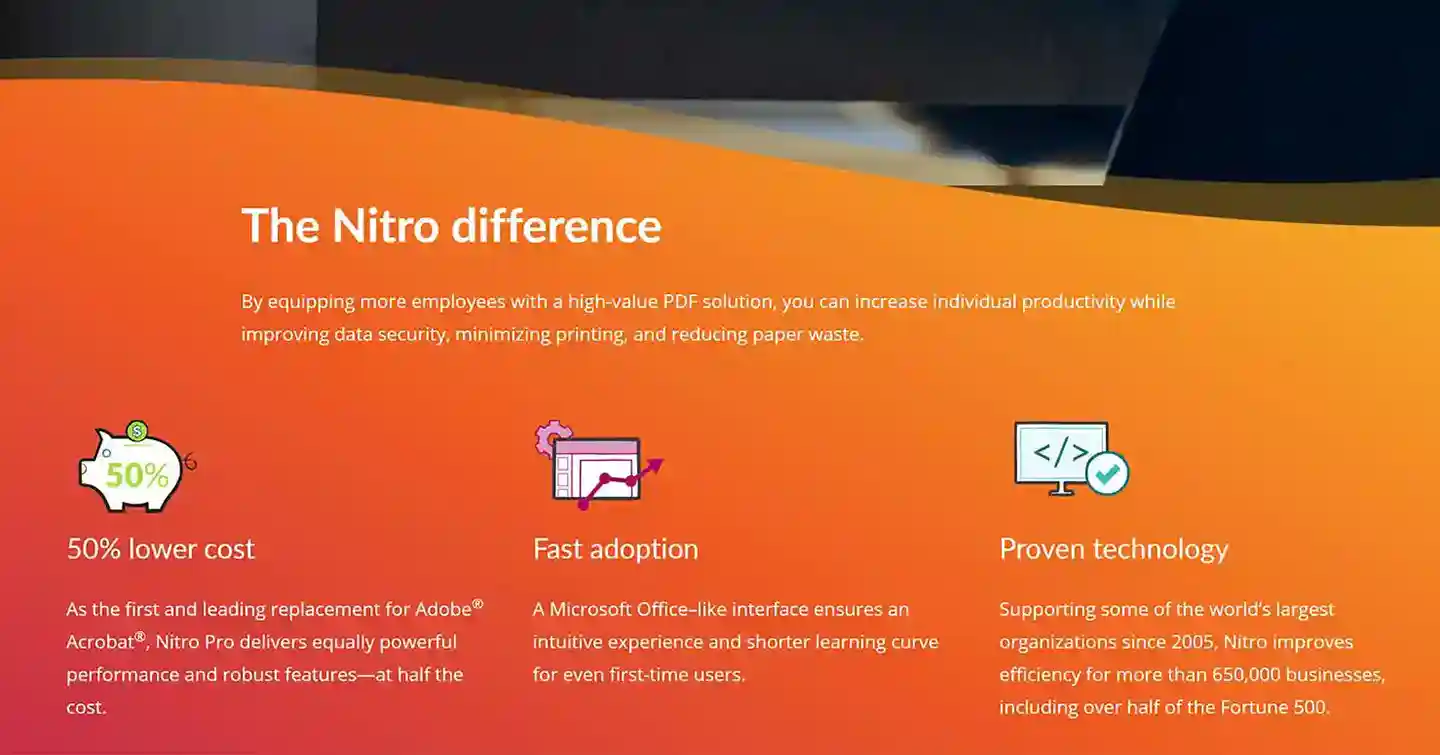
An Adobe Acrobat Pro subscription costs about ₱12,000 per year. The retail price for a lifetime Nitro PDF Pro 13 license is ₱9,800. Here at Product Key Philippines, a lifetime license is available for a one-time payment of just ₱1,880. You save 81% vs. the Nitro retail price and thousands every year vs. Adobe!

Lifetime Guarantee

This product comes with a lifetime guarantee. Your license will never expire. In the rare event that it stops working, we’ll gladly provide a full replacement.

Simple & Secure Activation Process

  1. Instant Delivery: Immediately after your payment is confirmed, you will receive an email with your genuine product key, the official download link, and a detailed installation guide.
  2. Follow Your Guide: Follow the step-by-step guide included in your email. Each guide is tailored to your specific product to ensure a smooth and easy installation.
  3. Get Expert Support: Should you have any questions or encounter any issues, simply reply to our email or contact our support team. We are here to help you with installation and activation.

Product Specifications

  • License Type: Lifetime License (Non-Transferable)
  • Architecture: 32-bit & 64-bit
  • Device Count: For 1 PC
  • Transferability: Not Transferable
  • Binding: Binds to Hardware

System Requirements

  • OS: Windows 7 or later
  • Processor: 1.5 GHz or faster
  • RAM: 1 GB
  • Storage: 4.5 GB of available disk space

Frequently Asked Questions (FAQ)

  1. Is this a one-time purchase? Yes. You pay once for a perpetual (lifetime) license to use the software forever. There are no recurring fees.
  2. How is this different from Adobe Acrobat Pro? Nitro PDF Pro 13 offers a very similar set of powerful features for editing, converting, and signing PDFs. The key difference is our offer: a one-time payment for a lifetime license, instead of a high-cost recurring subscription.
  3. Can I transfer this license to a new computer? No. This type of license binds to the hardware of the first PC it is installed on and cannot be moved to a different computer.
  4. What does “2 reinstallations on the same device” mean? It means if you need to reformat your computer’s hard drive and reinstall Windows, you can reactivate Nitro on that same machine up to two times.
  5. Is this compatible with Mac? No. This license for Nitro PDF Pro 13 is for Windows PCs only.
  6. Will this work on Windows 7? Yes. Nitro PDF Pro 13 is compatible with Windows 7, Windows 8, and Windows 10, making it a great choice for older systems.

Nitro PDF Pro: The Ultimate Version Comparison (12-14)

While all versions provide powerful PDF tools, newer releases offer major upgrades in usability, collaboration, and modern features. This comprehensive table details the key differences.

Feature Nitro PDF Pro 12 Nitro PDF Pro 13 Nitro PDF Pro 14
User Interface & Performance
User Interface (UI) Classic Interface Ribbon UI (Office Style) Refreshed Ribbon UI
Performance Base Performance Faster Startup & Rendering Fastest & Most Stable
Tabbed Document View No No Yes
File Size Optimization Basic Improved Advanced Compression
Mac Version Available No Yes Yes
Creation & Conversion
PDF to Editable Office (Word, Excel) Yes Improved Fidelity Highest Fidelity
High-Precision OCR Engine Standard Improved Accuracy Higher Precision & Speed
CAD Drawing Support (.dwg) No No Yes
Outlook Plugin for Email Conversion Yes Yes Yes
Editing & Page Management
Edit Text & Images Directly Yes Yes Yes
Drag-and-Drop Page Management No No Yes
Bates Numbering for Legal Docs Yes Yes Yes
Create & Fill Interactive Forms Yes Yes Yes
Review & Collaboration
Real-Time Collaboration Tools No No Yes
Commenting & Markup Tools Yes Improved Improved
Compare PDF Documents Yes Yes Yes
Cloud, Signing & Mobile
Direct Cloud Integration (OneDrive, etc.) No No Yes
eSigning Integration (Nitro Sign) Basic Improved Advanced Integration
Request Secure Signatures No Improved Advanced Integration
Batch Signing No No Yes
Mobile App Access (iOS/Android) No Limited Full-featured
Security & Accessibility
Password Protection & Permissions Yes Yes Yes
Redaction for Security Yes Yes Yes
Digital Certificates & Timestamps Basic Improved Advanced
Accessibility Compliance (PDF/UA) No No Yes

Product Key Philippines only sells software licenses of European origin legally usable on all countries and territories without region restrictions. We are protected by law to sell this product and your purchase is protected and recognized by law under Article 4(2) of EU Directive 2009/24/EC and section 177.3 of the Intellectual Property Code Of The Philippines. We are a fully registered business entity accredited by the Department of Trade and Industry (DTI), Bureau of Internal Revenue (BIR), and the Local Government of Quezon City.

Reviews (101)

101 reviews for Nitro PDF Pro 13 Lifetime Retail License

  1. Cham Fabian (verified owner)

    I love the idea of adding a signature to a document, specifically a pdf document. Before, I have no idea that pdf files can actually be edited. Now using this Nitro Pro 13. I can edit and even sign on my pdf files. That’s just amazing. I strongly recommend this app to all of you guys. This is really helpful!

Add a review
Shipping & Delivery

Instant Delivery

You will receive your genuine license, official download link and official installation instructions via email within 5 to 30 minutes 24/7 after sending us the proof of payment.

If a USB installer was added with your completed purchase, it will be shipped the next day. It will arrive within 2-3 days for Metro Manila addresses and 3-5 days for addresses outside Metro Manila.